Major release · v1.6

Sand Boxer 1.6

A modern new interface makes refreshing your Infor CSI / SyteLine sandboxes faster and more intuitive than ever — while the Classic view stays fully supported. New in 1.6: a built-in Scheduler to automate refreshes, an in-app AI Assistant that answers your questions on the spot, and expanded safety nets. Same trusted engine — now easier to use than ever.

  • Modern UI
  • Scheduler
  • AI Assistant
  • Safety nets
  • Dev Sync
  • Classic view
Sand Boxer 1.6 Modern interface — main window
New in 1.6 · Modern interface

Same trusted engine. A brand-new look.

Sand Boxer 1.6 introduces a modern, streamlined workspace — and the Classic view is still one click away. Flip the same screen between the two below.

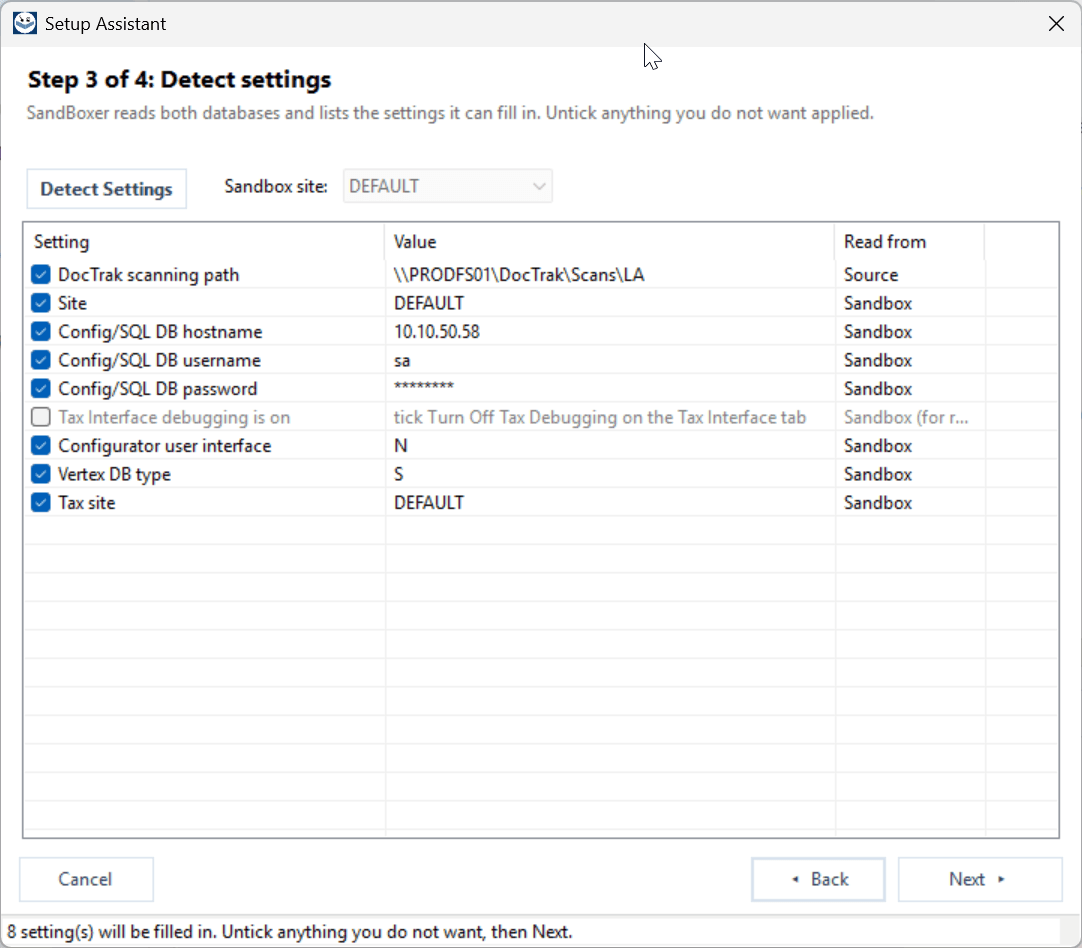
Sand Boxer Setup Assistant — Classic view
Sand Boxer Setup Assistant — Modern view
Modern view · Setup Assistant

The same screen, both ways — flip between them, just like the one-click toggle inside Sand Boxer.

What's new in 1.6

Four big upgrades

Our biggest usability release yet — automation, a modern workspace, an in-app assistant, and even stronger safety nets.

Sand Boxer 1.6 Modern interface — main window with searchable side-navigator
New interface

A brand-new Modern interface

  • A fresh, modern workspace that's faster to navigate and easier to learn.
  • Everything organized in a clean side-navigator with instant search.
  • Prefer the original? The Classic tabbed view is fully supported — switch anytime.
Under the hood
  • New Modern navigator (grouped left-nav, searchable settings, card layout, light SSE theme) alongside the original Classic tabbed UI.
  • One-click runtime toggle between Modern and Classic — same engine and configuration underneath.
  • High-DPI aware and crisp on modern displays.
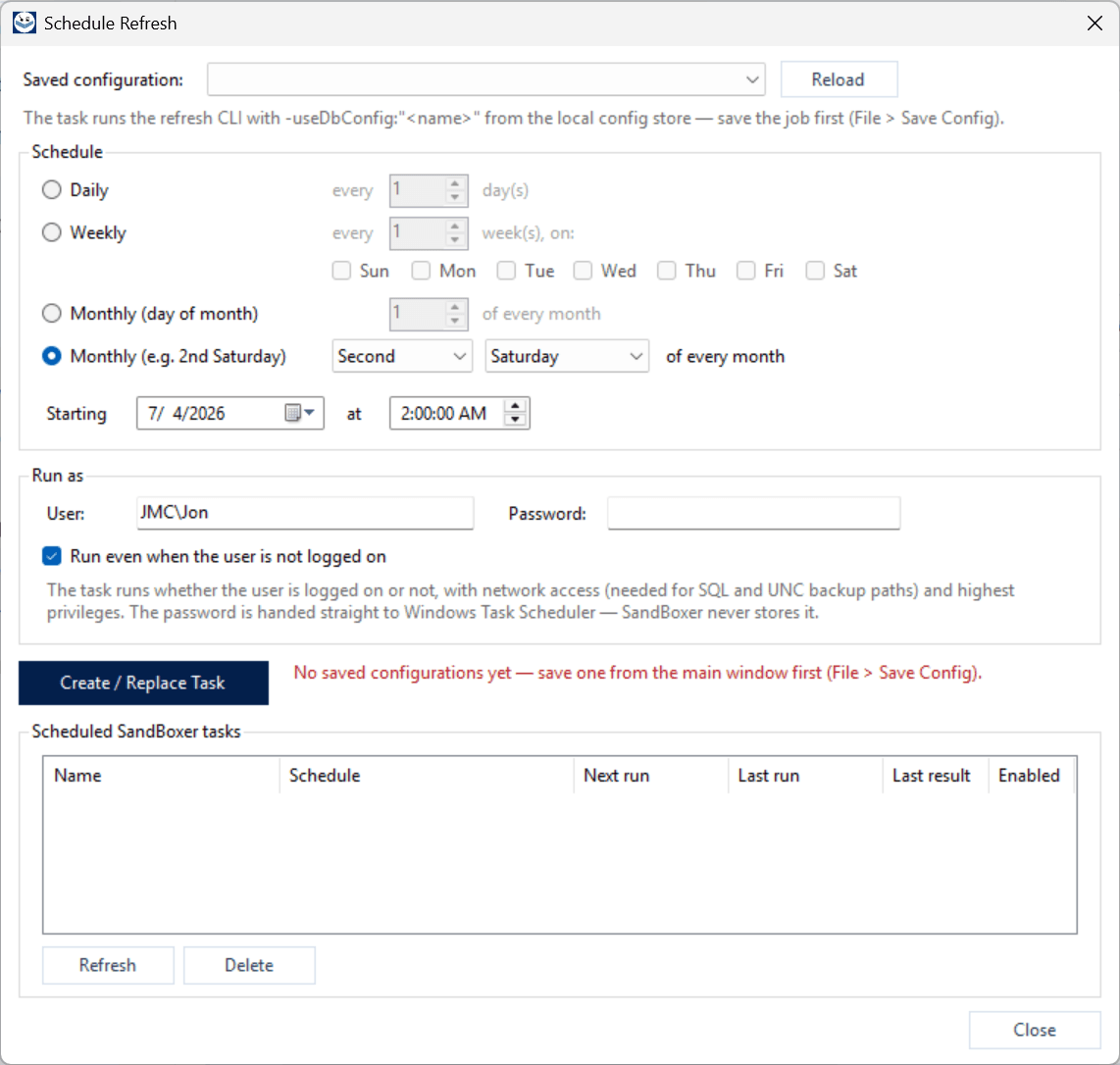
Sand Boxer Schedule Refresh dialog — daily/weekly/monthly cadence and Run As
Automation

Automatic Scheduler

  • Put sandbox refreshes on autopilot — nightly, weekly, or on your own schedule.
  • DEV and TEST environments stay current without anyone remembering to run them.
  • No scripts, no wrestling with Windows Task Scheduler — schedule a saved job in a couple of clicks.
Under the hood
  • Creates native Windows Scheduled Tasks directly from any saved Sand Boxer configuration.
  • Runs the full refresh engine unattended (headless) — the exact job you tested interactively.
  • Per-configuration cadence and run time, managed from inside the app.
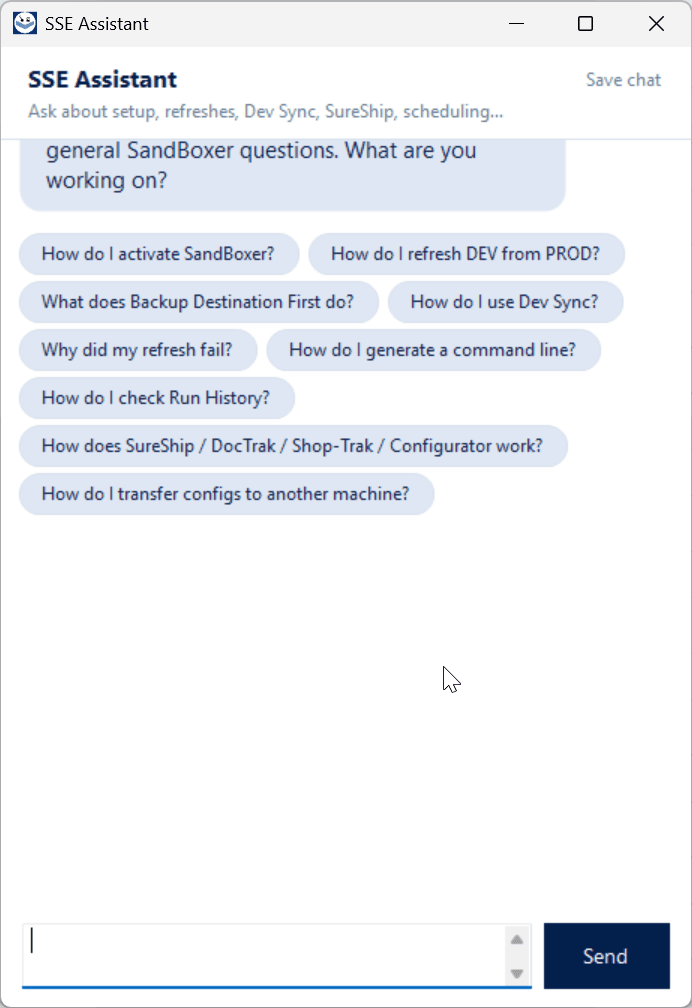
Sand Boxer SSE Assistant chat panel with suggested questions
In-app AI

SSE Assistant (in-app AI chat)

  • Get instant answers right inside Sand Boxer — no digging through documentation.
  • Ask how to set up a refresh, use Dev Sync, or why a run failed, in plain English.
  • Like having a Sand Boxer expert on call.
Under the hood
  • In-app AI assistant grounded in the Sand Boxer knowledge base.
  • Context-aware — knows your current page, app version, and license tier for tailored answers.
  • Secure and license-gated; conversations can be saved to a file or escalated into a support ticket.
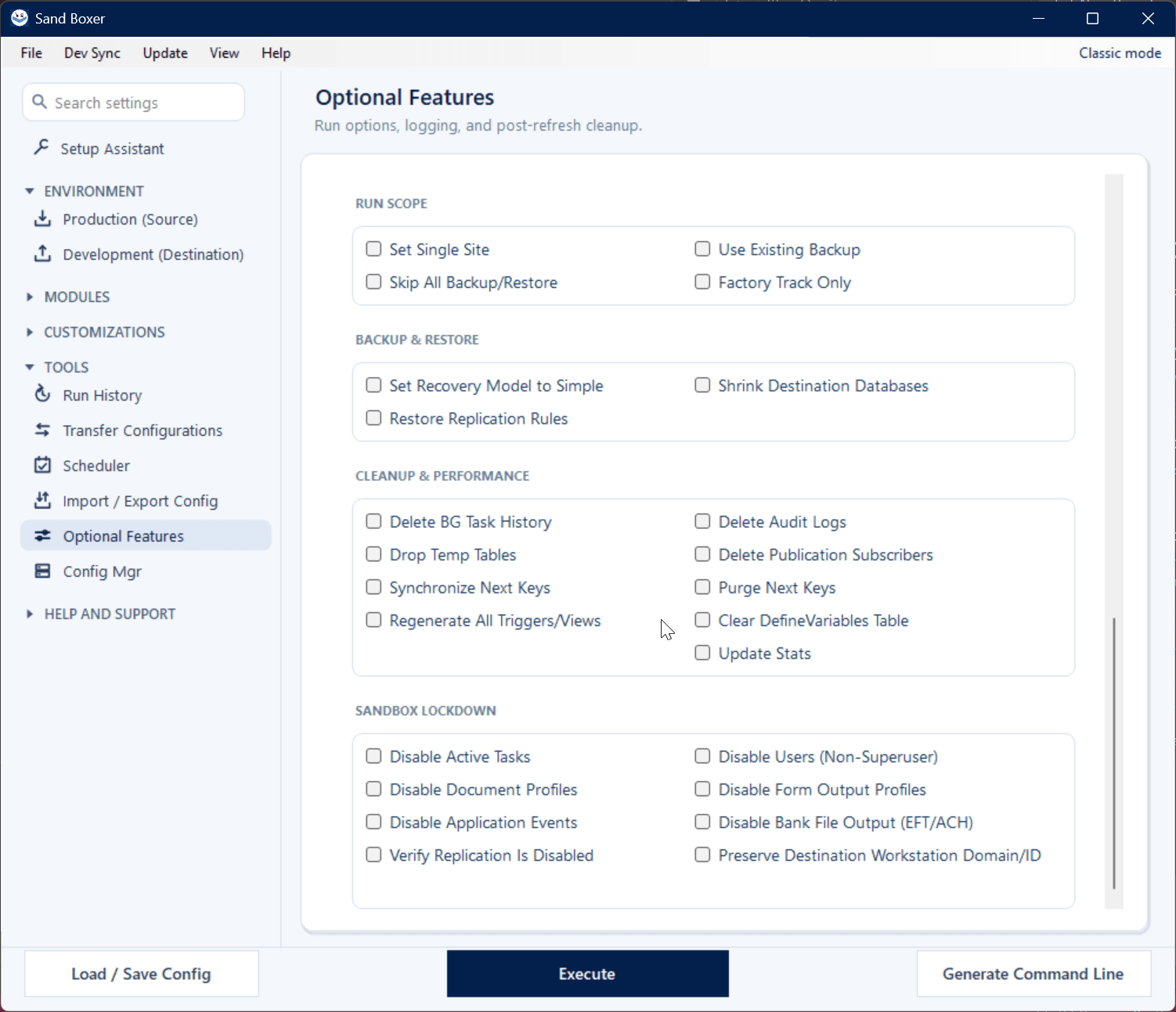
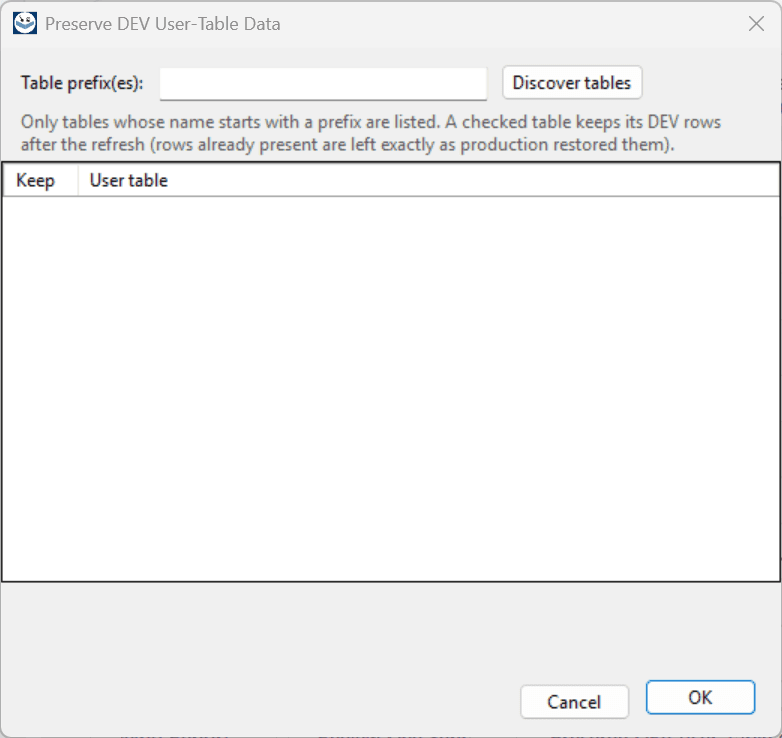
Sand Boxer Optional Features — Sandbox Lockdown and cleanup safeguards
Trust

Increased safety nets

  • Sand Boxer protects your production data at every step.
  • Version-aware from SyteLine 8.0 through 2026, so your refreshes run smoothly — no surprises.
  • Destructive steps fail safely, and detection tools only ever read production, never change it.
Under the hood
  • Version-aware operations adapt to each SyteLine / CSI release (8.0 → 2026.x) so the correct logic always runs.
  • Thoroughly tested and quality-checked before every release.
  • Built to fail safe — protective by default, so a sandbox operation never puts production at risk.
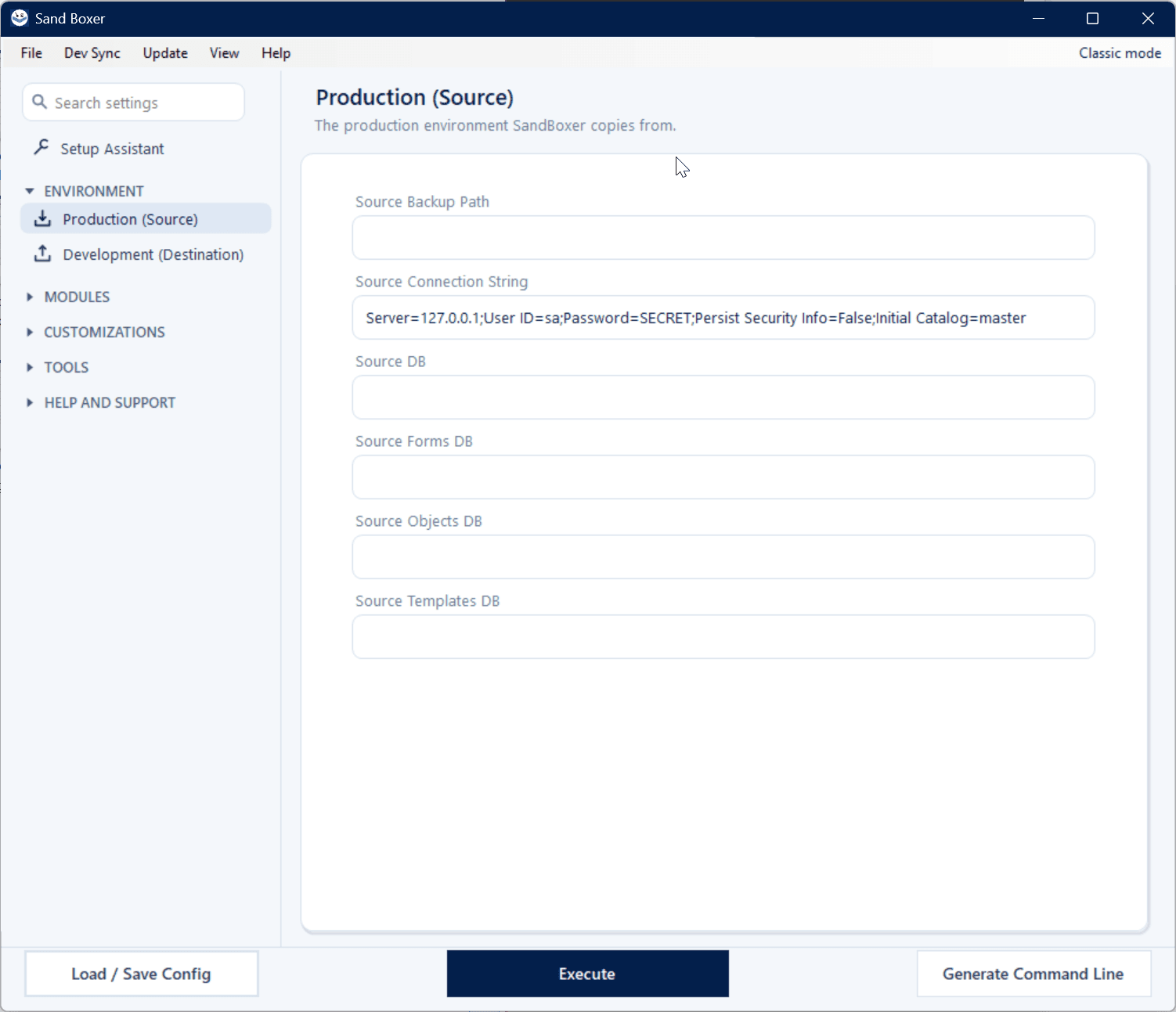
The complete toolset

Everything Sand Boxer does, screen by screen

Beyond the 1.6 headliners, a full customization-safe development workflow — saved jobs, Run History, Dev Sync, GitHub backup, and more.

See it in action

Watch Sand Boxer run

A quick summary, or the full walkthrough end to end — from a live production clone to a usable, isolated sandbox.

SummaryThe highlights in brief
Full demoThe complete walkthrough
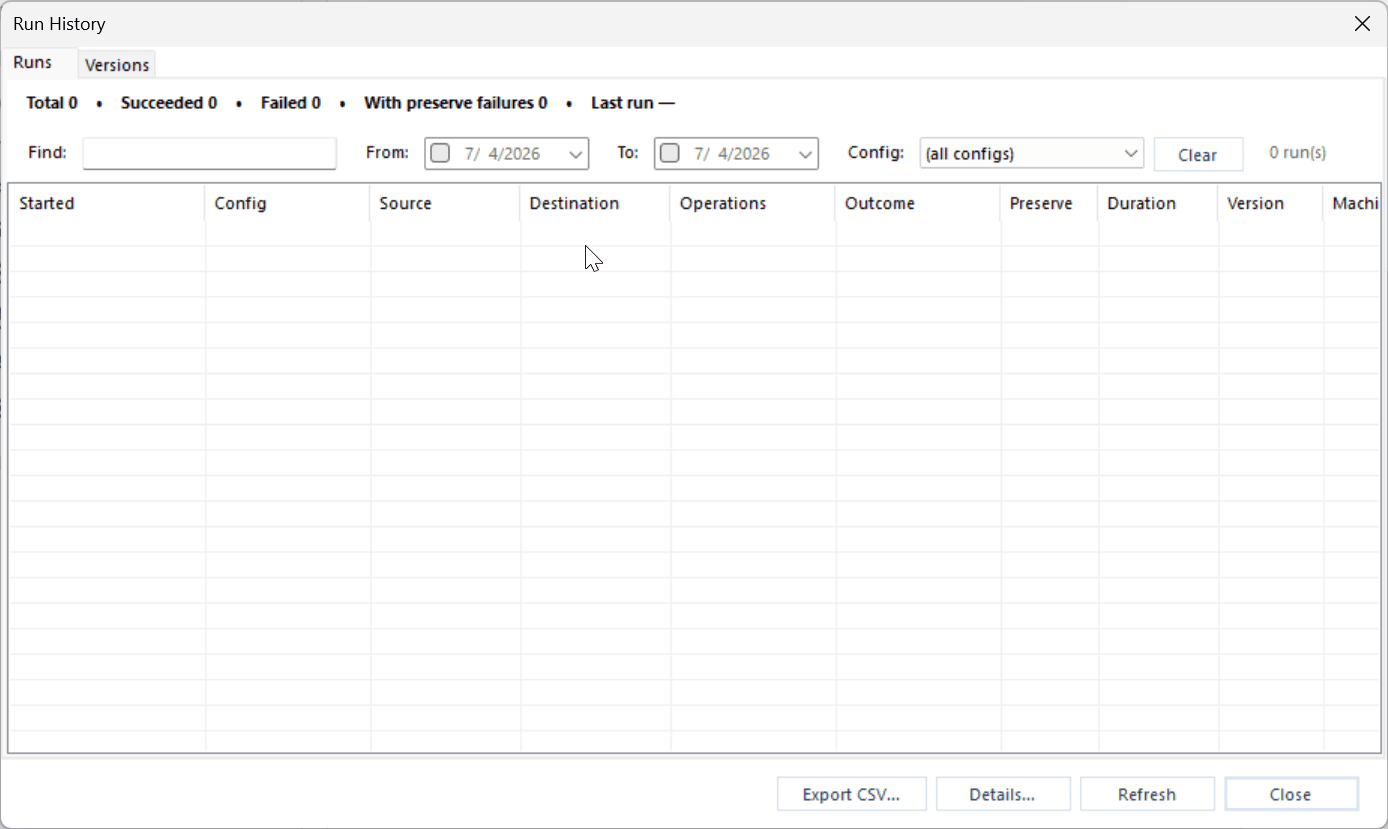
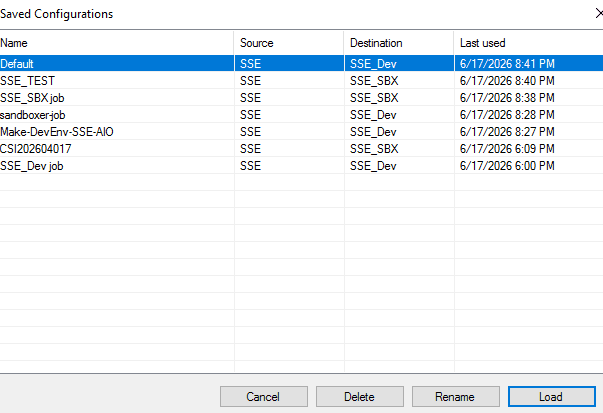
Sand Boxer Saved Configurations picker
Saved jobs

A home for every job

Stop hunting the file system for the right .ini. Every job configuration is saved in a built-in local store, and you pick the one you want from a clean list — name, source, destination, and when it was last used, right there.

  • Load, rename, or delete any saved job in a click.
  • Save, load, import, and export are all one menu away.
  • Why it matters: the configuration you need is always one click away — not buried in a folder.
Sand Boxer Run History with search and filters
Run History

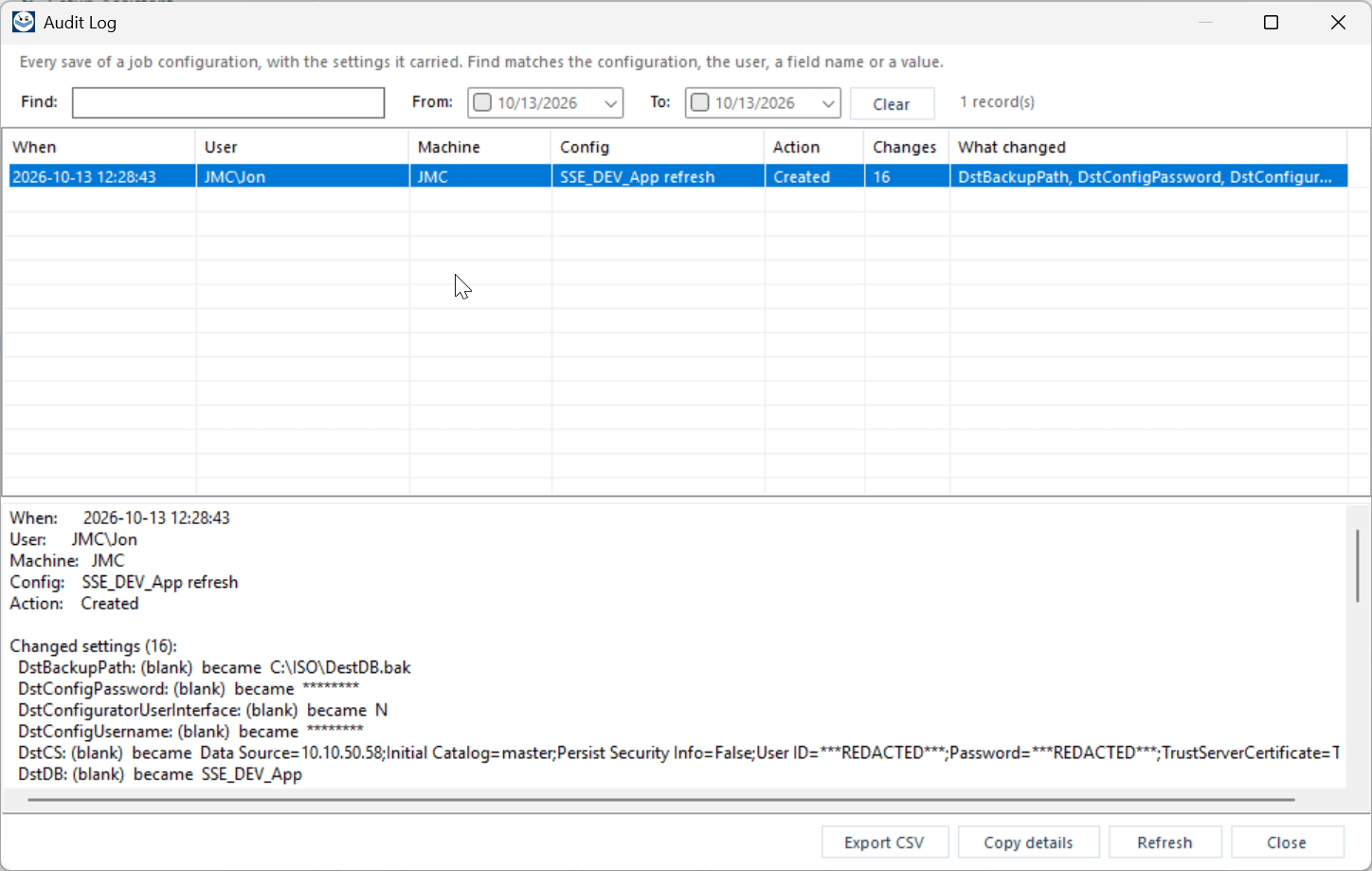
Every refresh, on the record

Run History captures every refresh you perform: when it ran, which job, source and destination, the outcome, how long it took, and the version. When someone asks “did last night's refresh succeed?” you have the answer, with proof.

  • Search the log, filter by date range, or focus on a single configuration.
  • Tracks outcome, duration, version, and machine for every run.
  • Why it matters: an auditable trail for every sandbox you build, with zero extra effort.
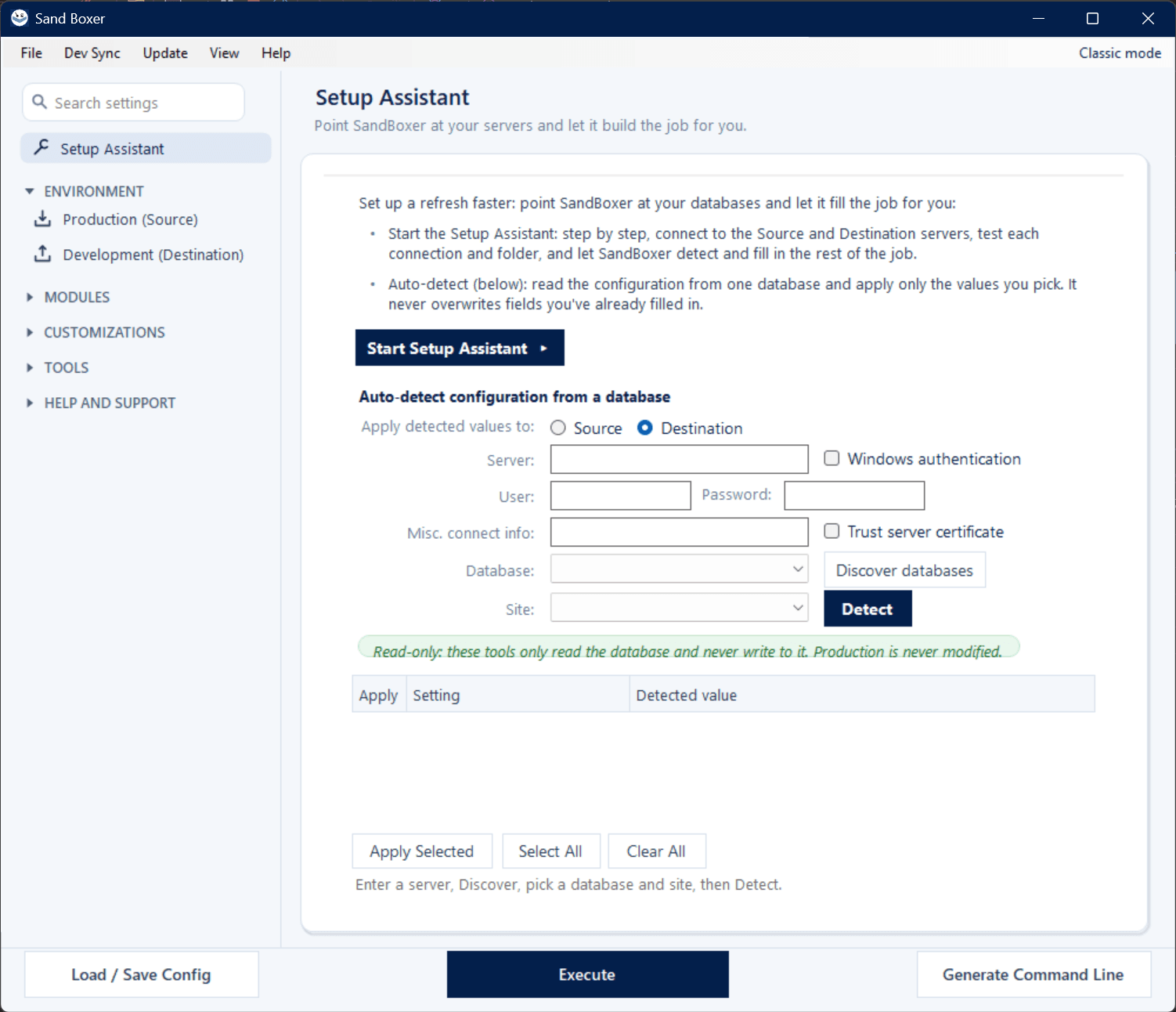
Sand Boxer Setup Assistant tab
Setup Assistant

Point at your servers. Go.

Skip the typing. Give Sand Boxer your source and destination servers and Auto-Configure finds the SyteLine database on each and fills the entire job. Prefer to cherry-pick? Auto-detect reads settings from a database and applies only the values you choose.

  • Auto-detect never overwrites what you've already entered.
  • Read-only, always — these tools only read the database; production is never modified.
  • Why it matters: a complete, correct job in seconds instead of a connection-string copy-paste marathon.
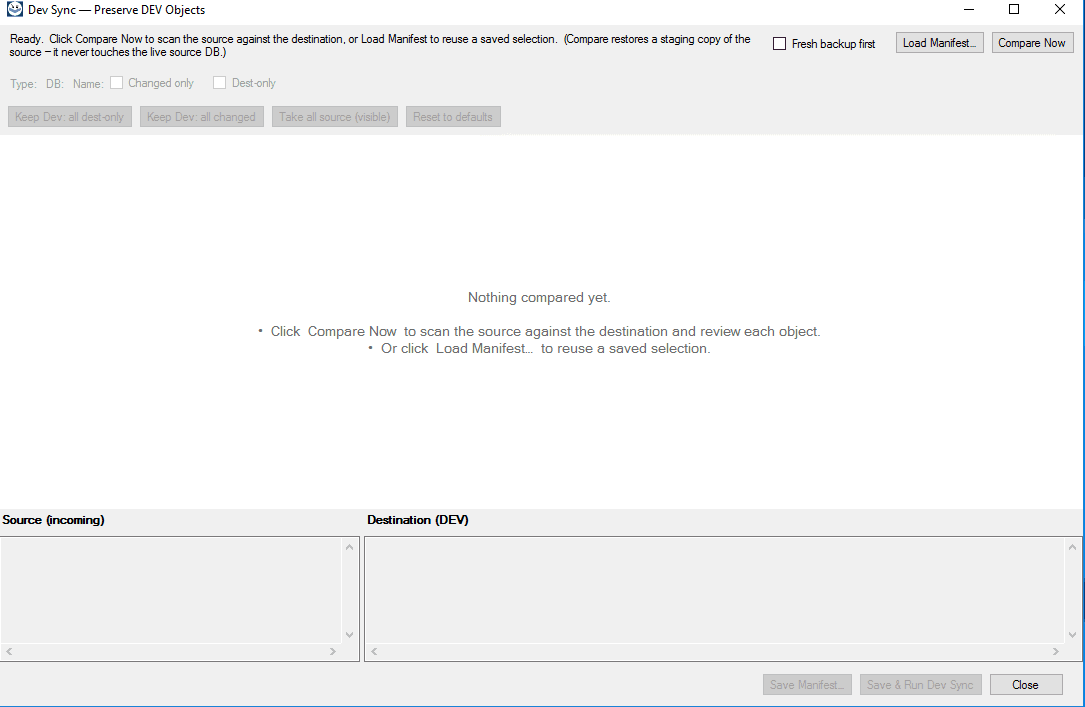
Sand Boxer Dev Sync review window
Dev Sync

Your customizations survive the refresh

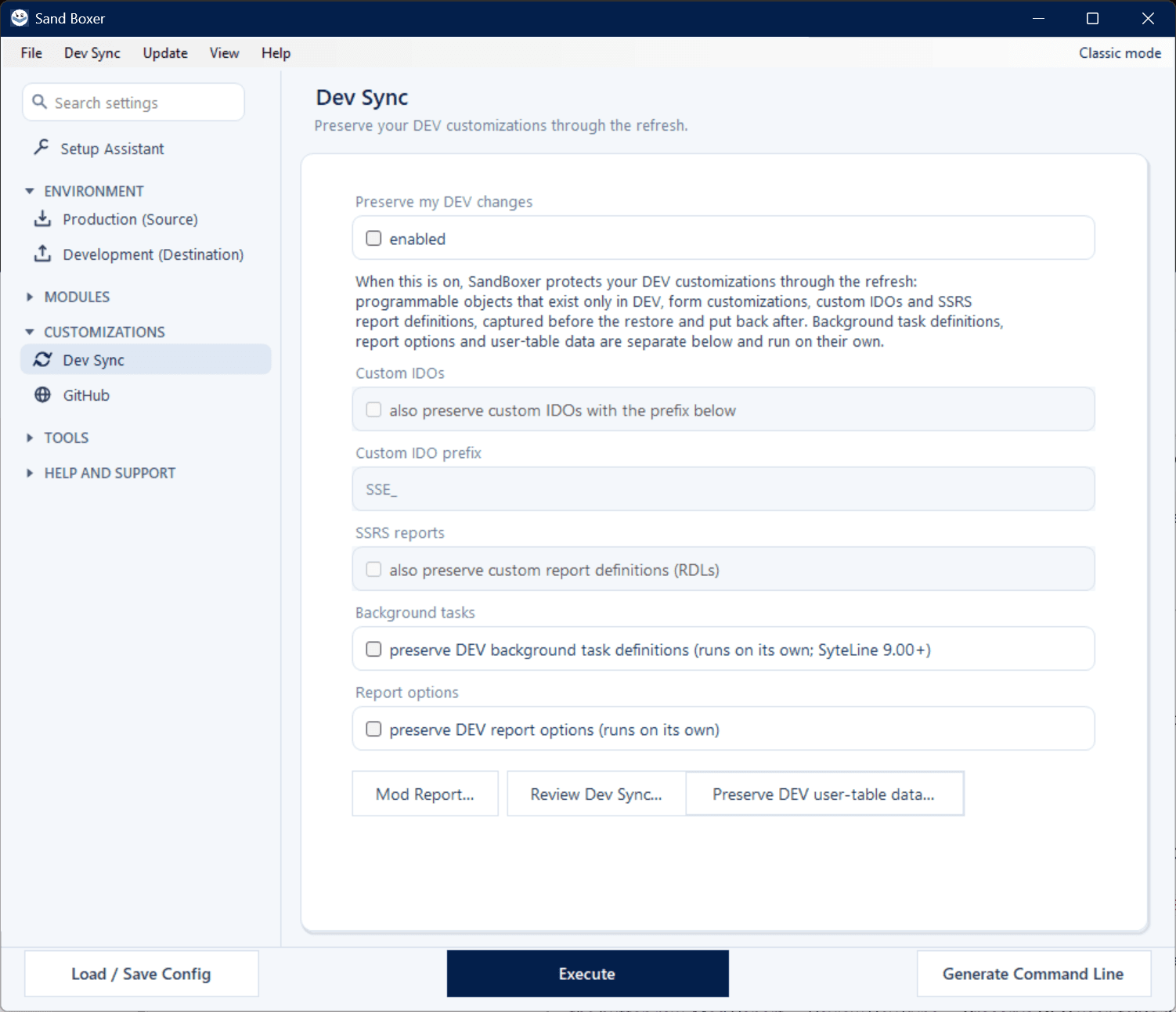
A refresh overwrites the sandbox with production — which would normally wipe the work that lives only in DEV. Turn on Dev Sync and Sand Boxer protects it automatically, in a single pass.

  • DEV-only procedures, views, form customizations, and custom IDOs captured before the restore and re-applied after.
  • Want the wheel? Review exactly what's kept, object by object, before you run.
  • Why it matters: refresh as often as you like without losing a day of development work.
Sand Boxer Dev Sync tab with report (RDL) preservation enabled
Report preservation

Your SSRS reports survive the refresh, too

Turn on report preservation in Dev Sync and Sand Boxer captures your sandbox's customized report definitions (RDLs) before the refresh and puts them right back afterward. Your report work survives — and it only ever touches your sandbox's report server, never production.

  • Customized SSRS report definitions (RDLs) are captured before the refresh and restored right after.
  • Reports now join forms and IDOs in the Dev Sync review list, so you see exactly what's being kept before you run.
  • Why it matters: refreshing your sandbox no longer wipes your report work.
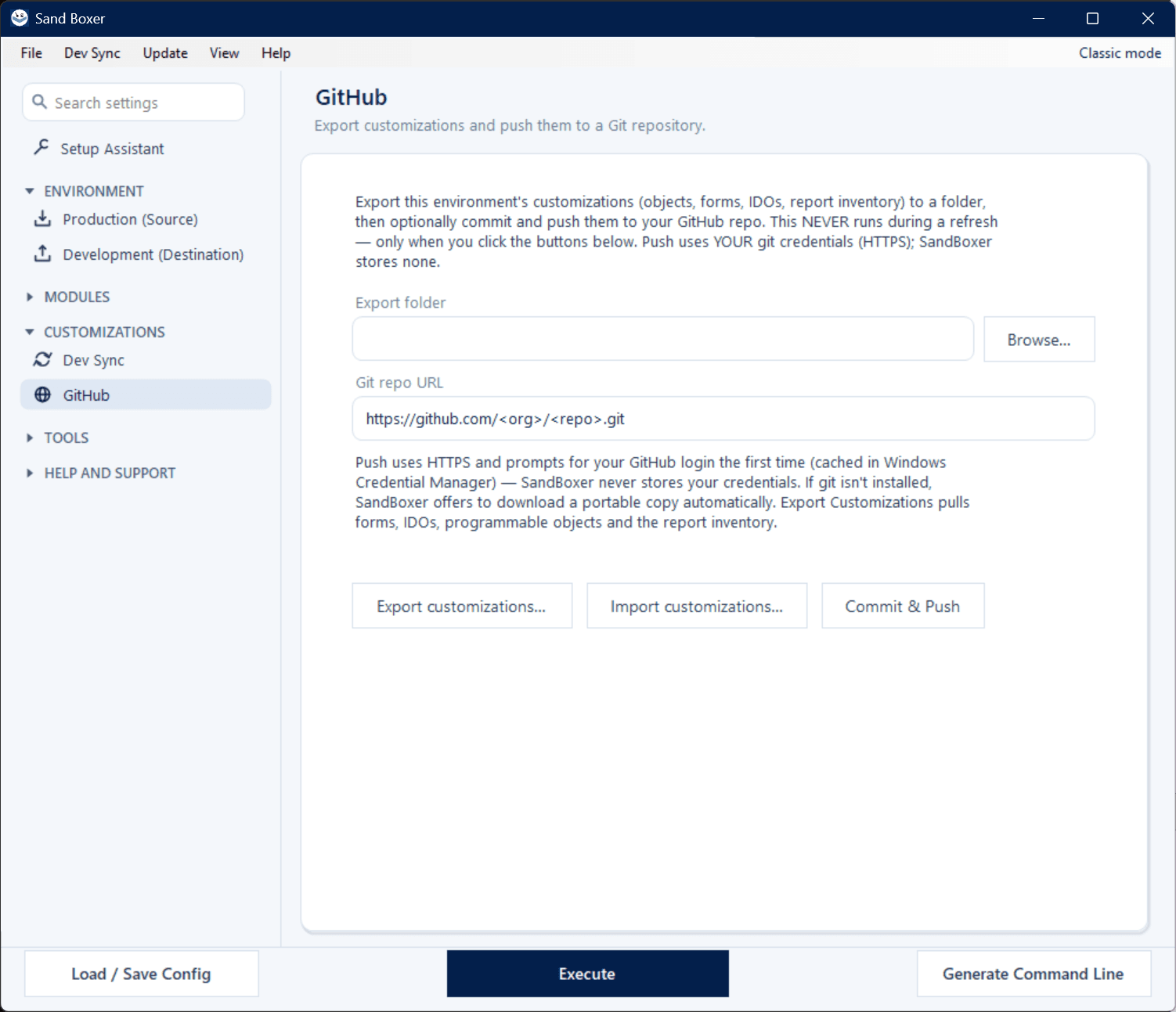
Sand Boxer GitHub tab
GitHub

Back up customizations to your own GitHub

Export this environment's customizations — programmable objects, forms, IDOs, and a report inventory — to a folder, then optionally commit and push them to your own GitHub repository using your own credentials.

  • Sand Boxer stores no secrets, and this never runs as part of a refresh.
  • A filterable selection window lets you export exactly what you want.
  • Why it matters: a versioned, off-machine backup of everything custom in your environment.
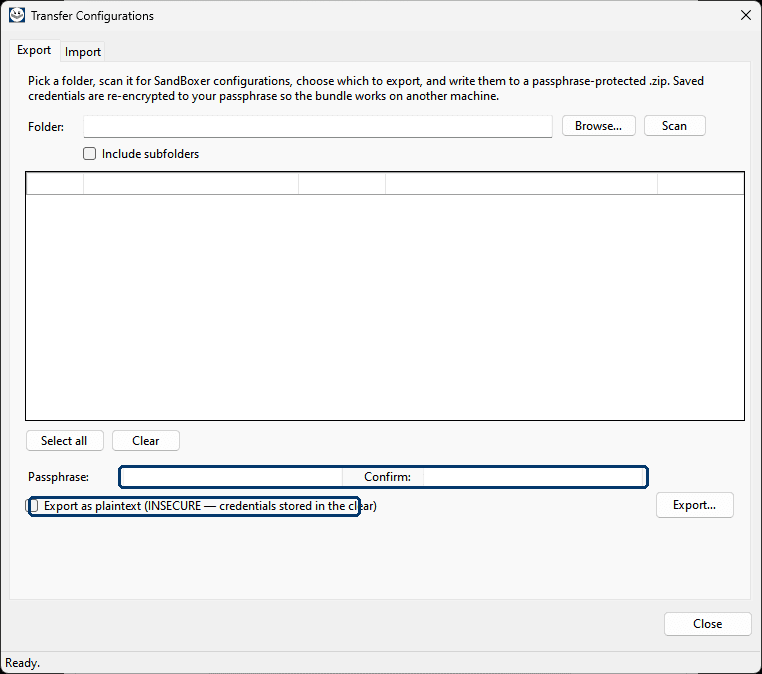
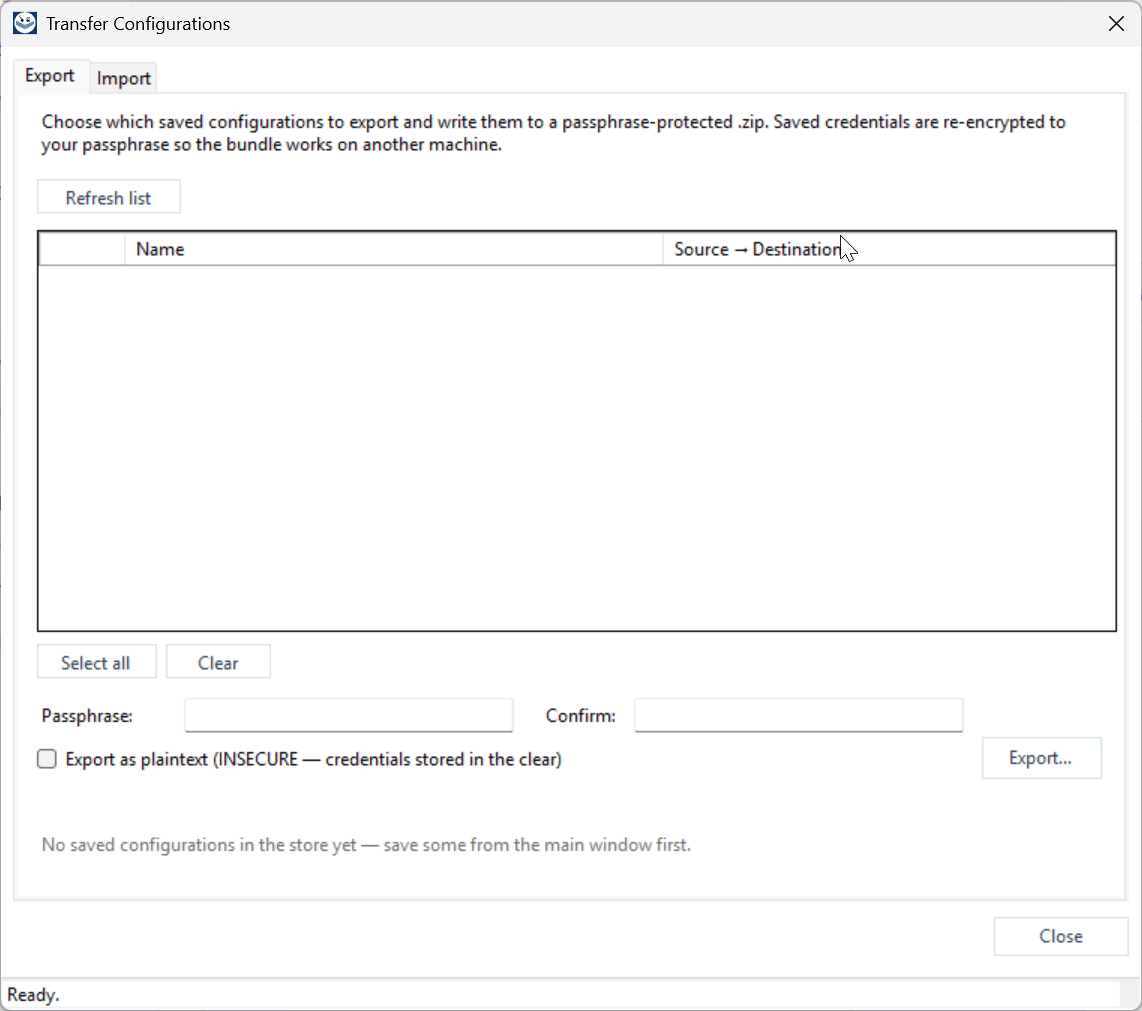
Sand Boxer Configuration Transfer dialog
Configuration Transfer

Move a job to any machine

Built a perfect job on your laptop and need it on the server? Package your configurations into a single, passphrase-protected bundle and bring them in anywhere — connection secrets are safely re-keyed for the new machine, never exposed as plain text.

  • Import reads the bundle on the new machine and restores everything ready to run.
  • Each entry shows its type, source and destination databases, and how many secrets it holds.
  • Why it matters: share a tested job with a colleague or a server — securely, in seconds.
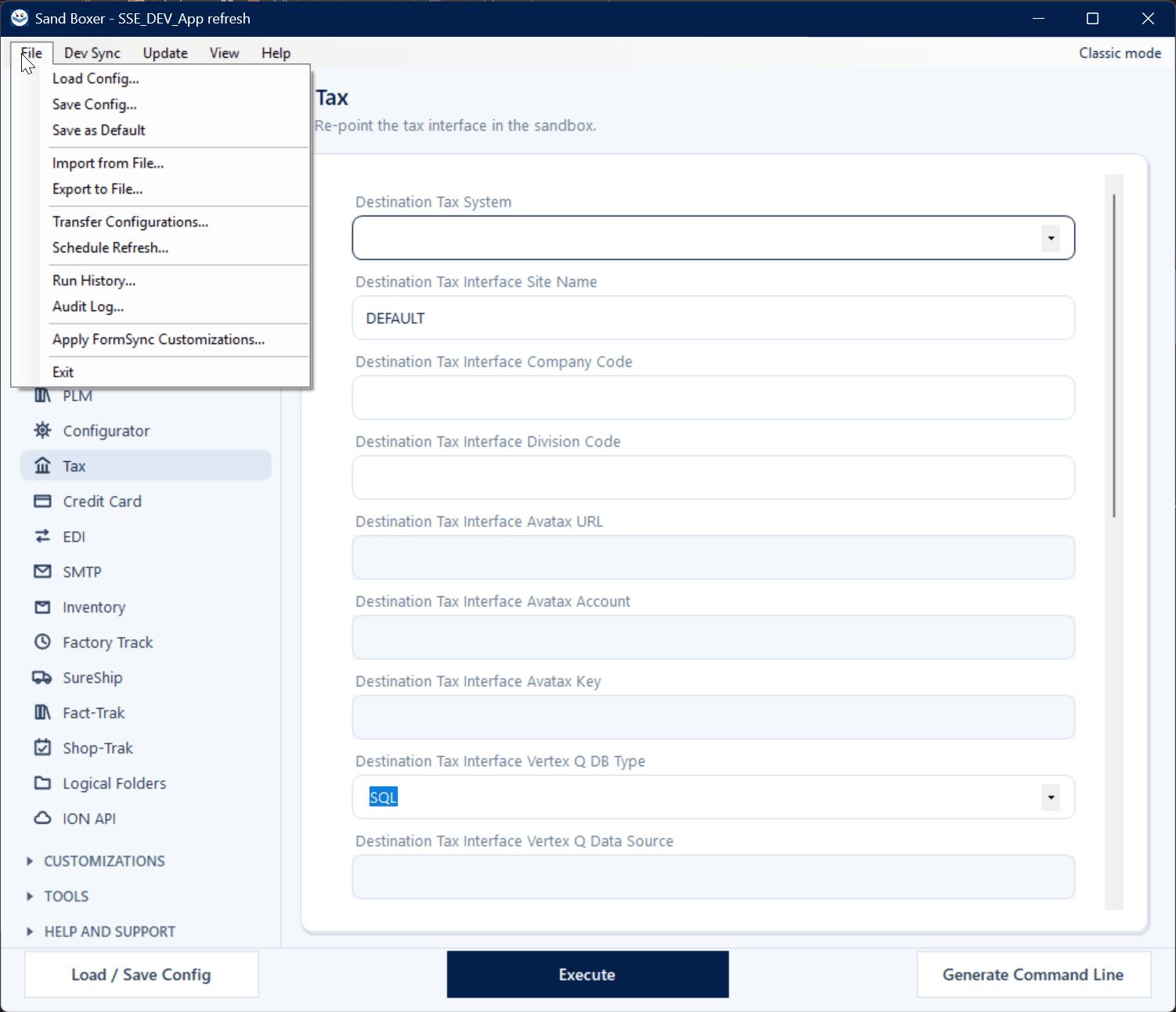
Sand Boxer File menu
Workflow · One menu

Set it once. Refresh forever.

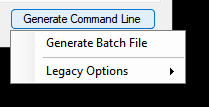
Generate a ready-to-run batch file that refreshes your sandbox by name, then drop it into Windows Task Scheduler for hands-off overnight refreshes — and they land in Run History so you can confirm them with your morning coffee.

  • Legacy INI, JSON, and individual-parameter scripts are still available for portability and automation.
  • Saved configs, import/export, Transfer Configurations, Run History, and Apply FormSync all live in one tidy File menu.
  • Why it matters: hands-off, repeatable refreshes that you can trust and audit.
Safe by default

Built to never touch what it shouldn't

Read-only on production

Sand Boxer only reads and backs up your live system, and never writes to it. The refresh happens entirely on your sandbox.

Test systems stay isolated

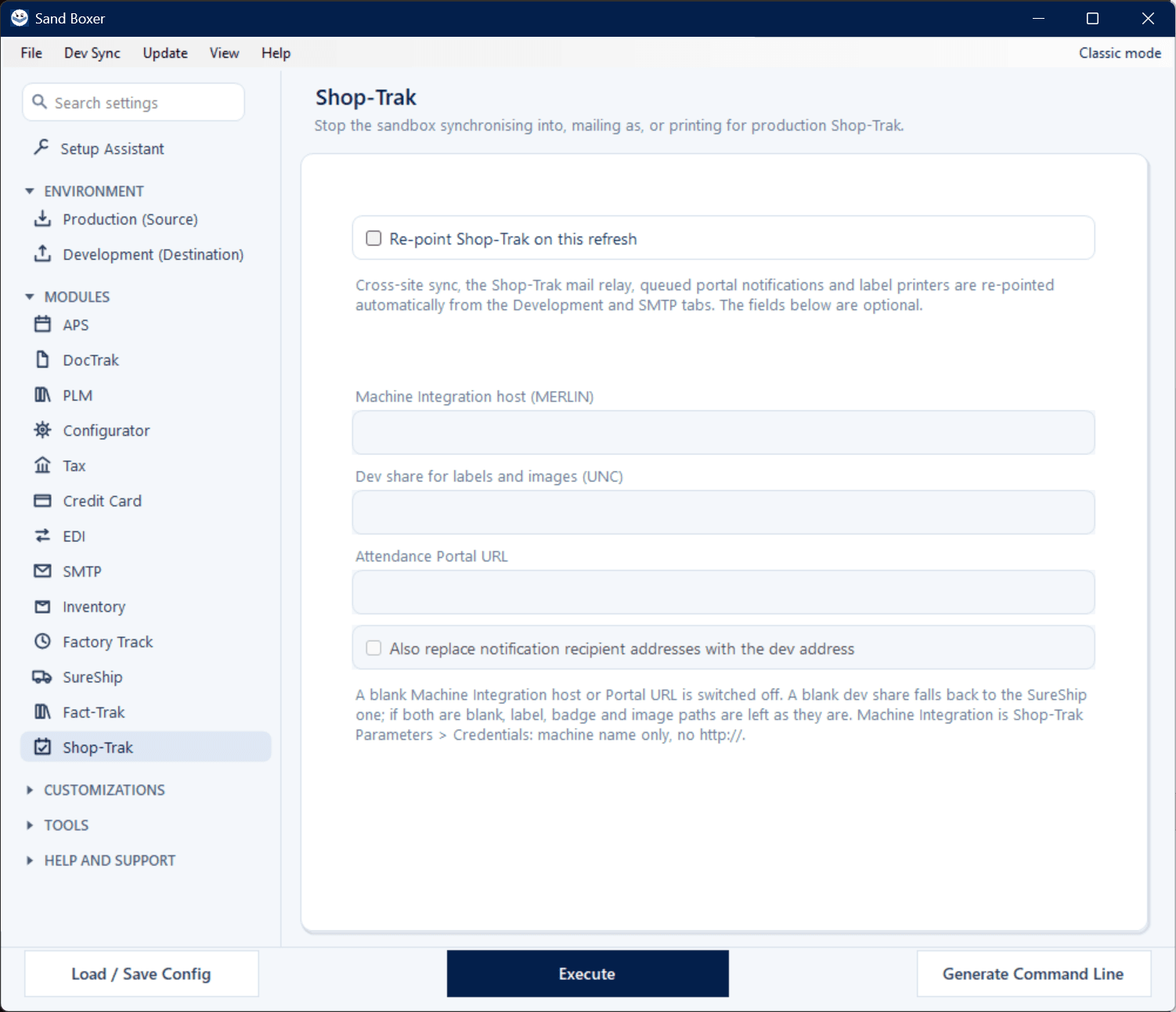
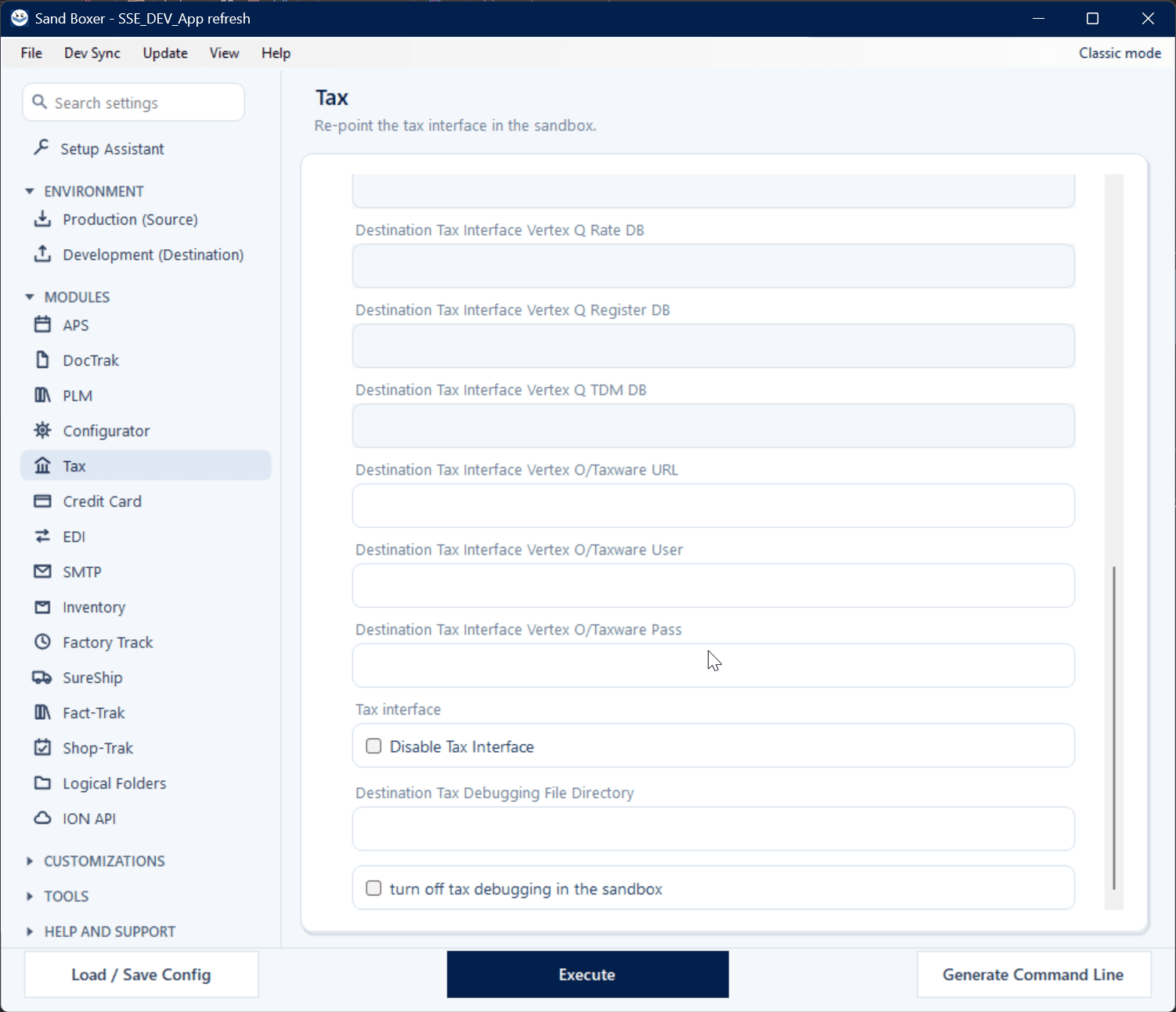
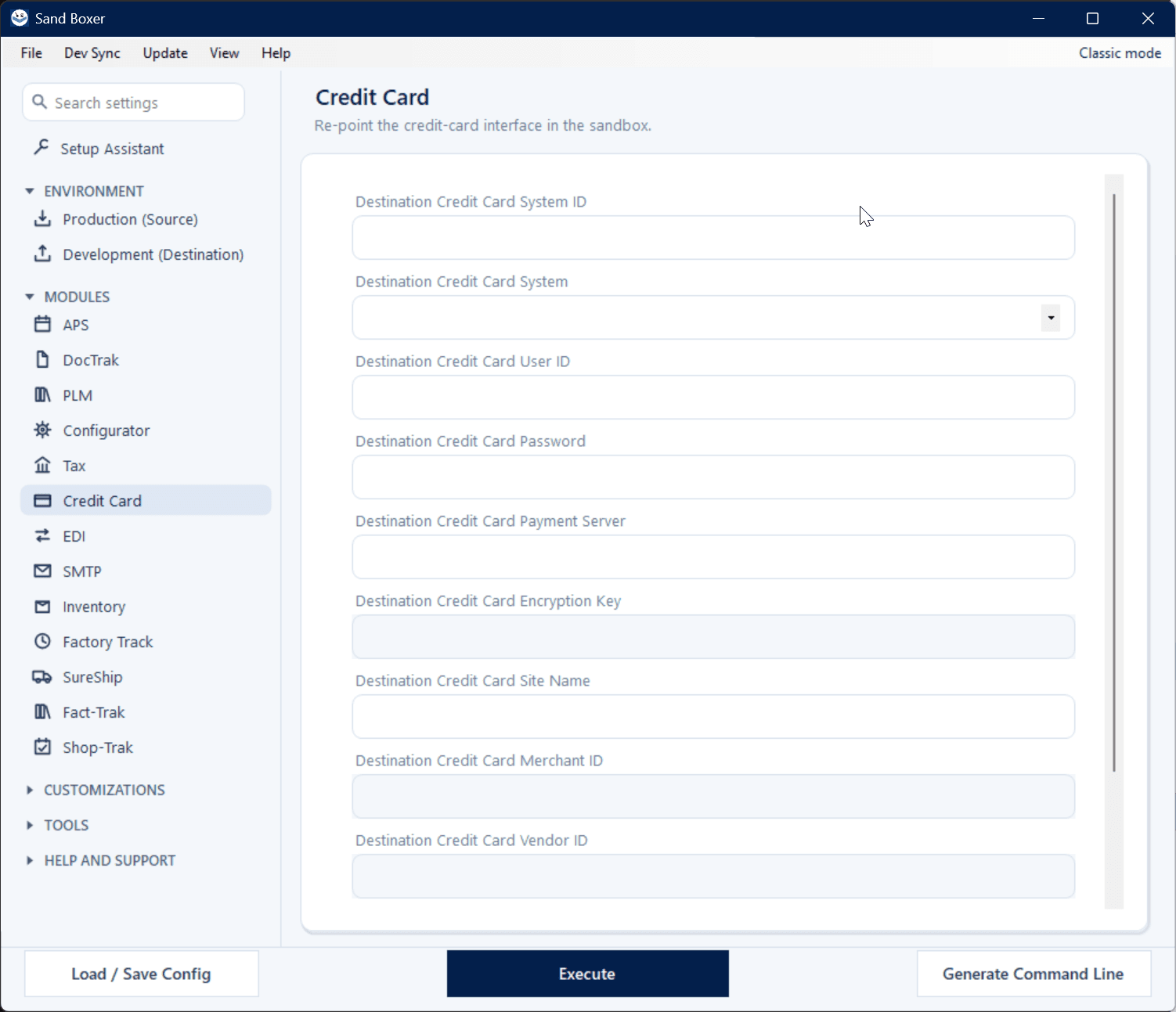
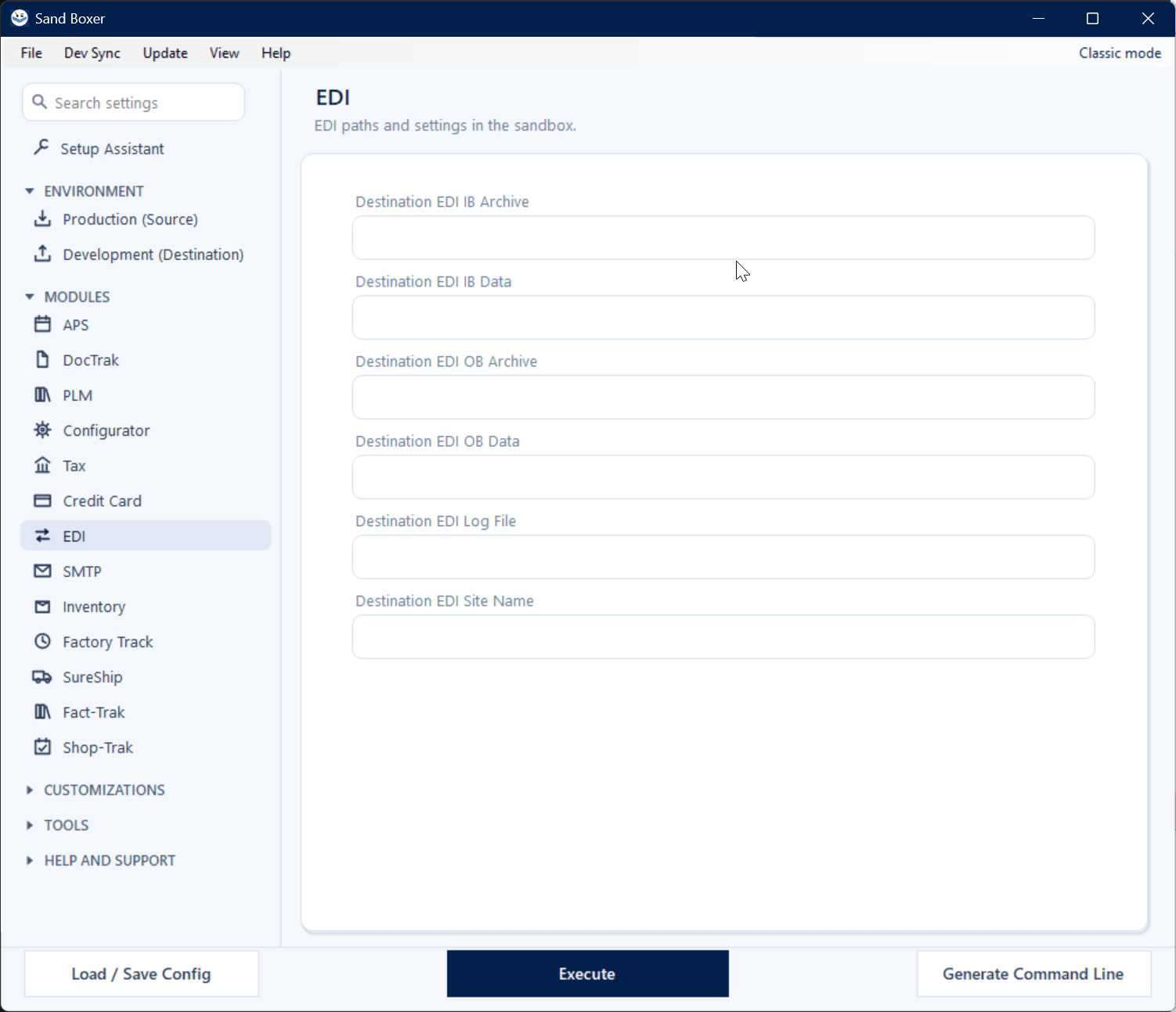
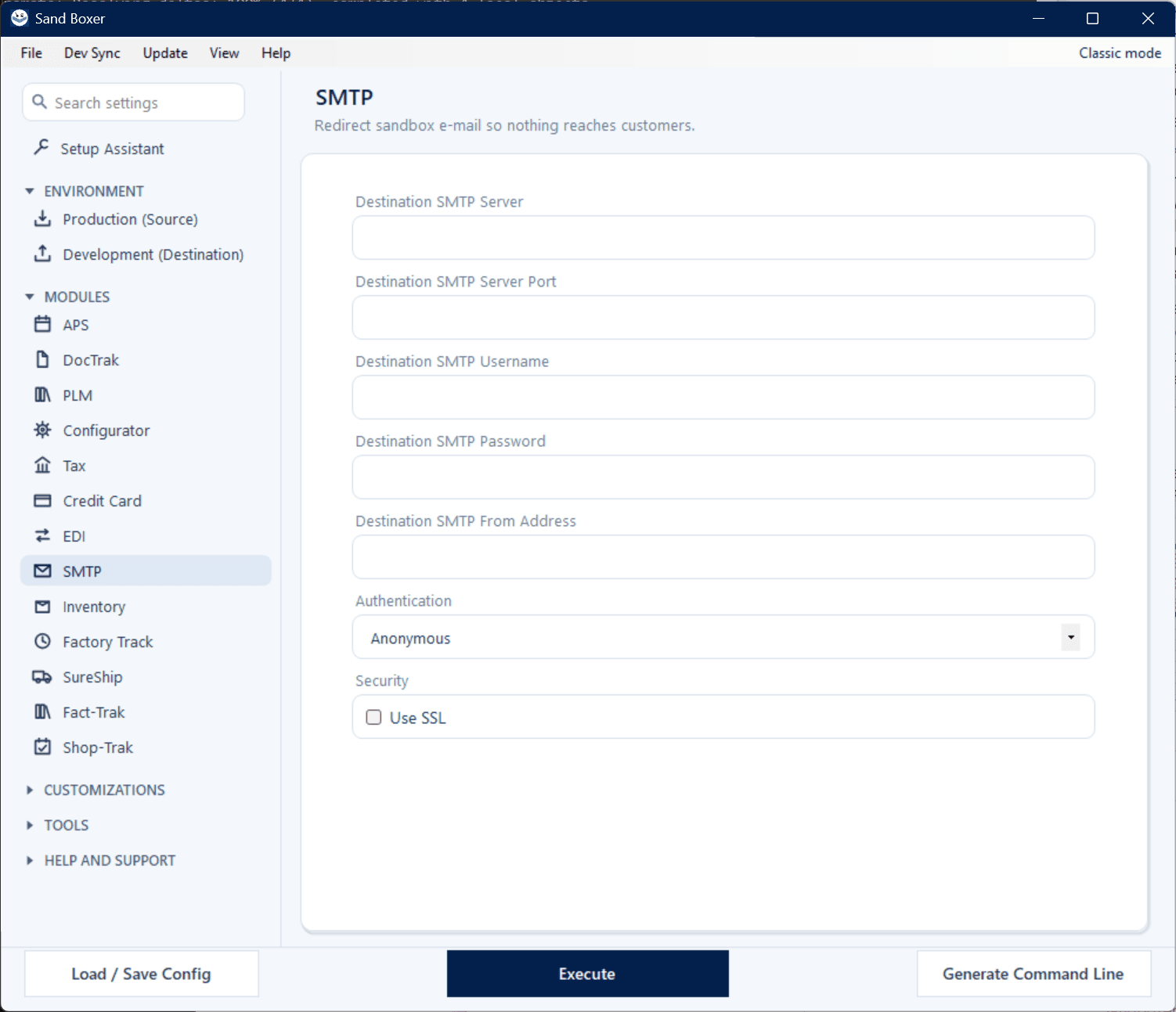
Tax, credit-card, SMTP, and EDI interfaces are re-pointed or disabled, so a sandbox never calls a live service or emails a real customer.

Updates take care of themselves

A silent, in-place update downloads, installs, and relaunches — your saved configs, run history, and license come along untouched.

Verifiable builds

The About screen shows your version, license, and a SHA-256 build hash you can confirm at a glance.

Secrets stay secret

Configuration Transfer re-keys credentials per machine; GitHub pushes use your own login — Sand Boxer stores no credentials of its own.

Version-aware

Schema-driven handling, regression-tested across SyteLine/CSI 8.01 through 2026.
Every module, one tool

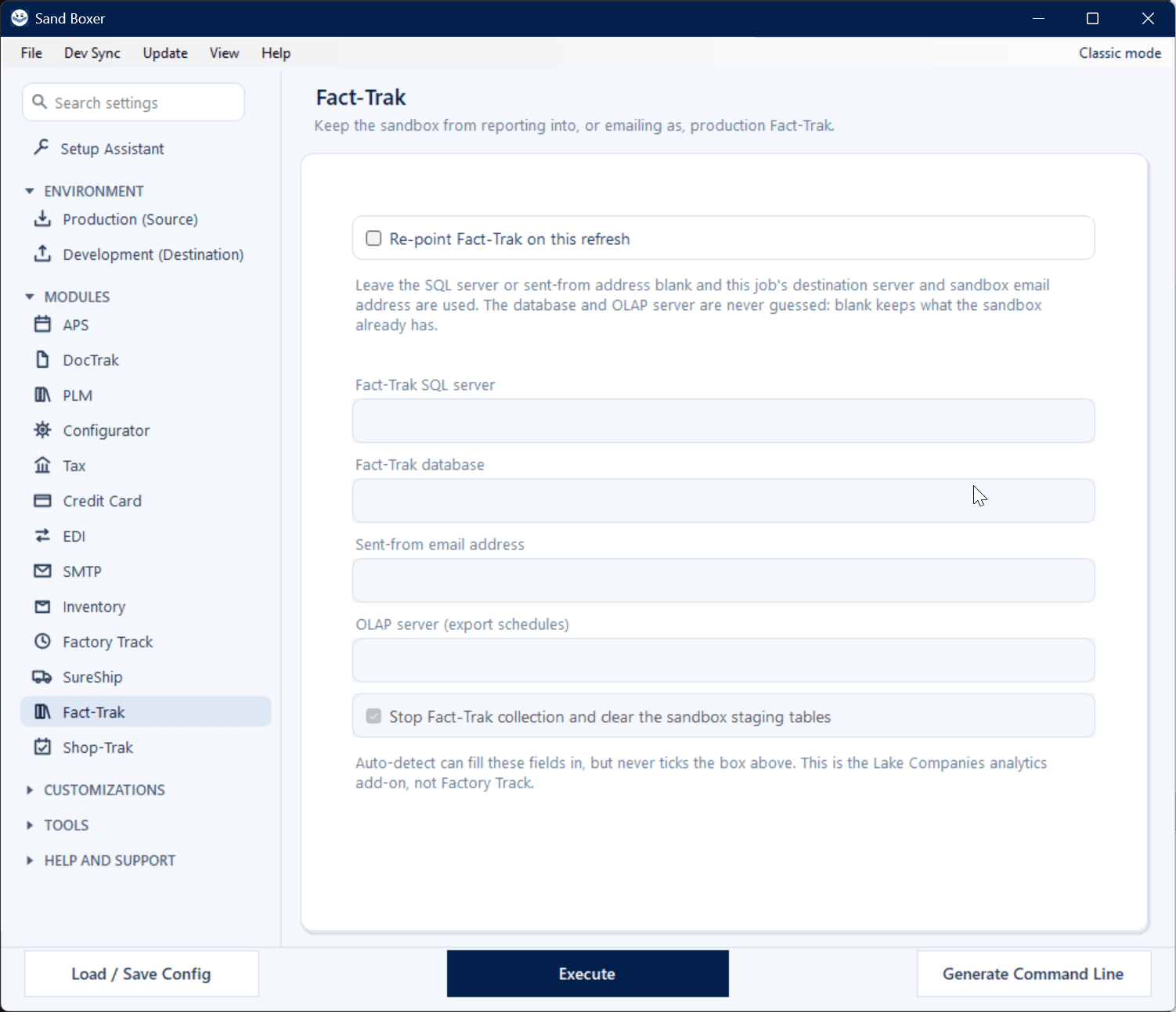
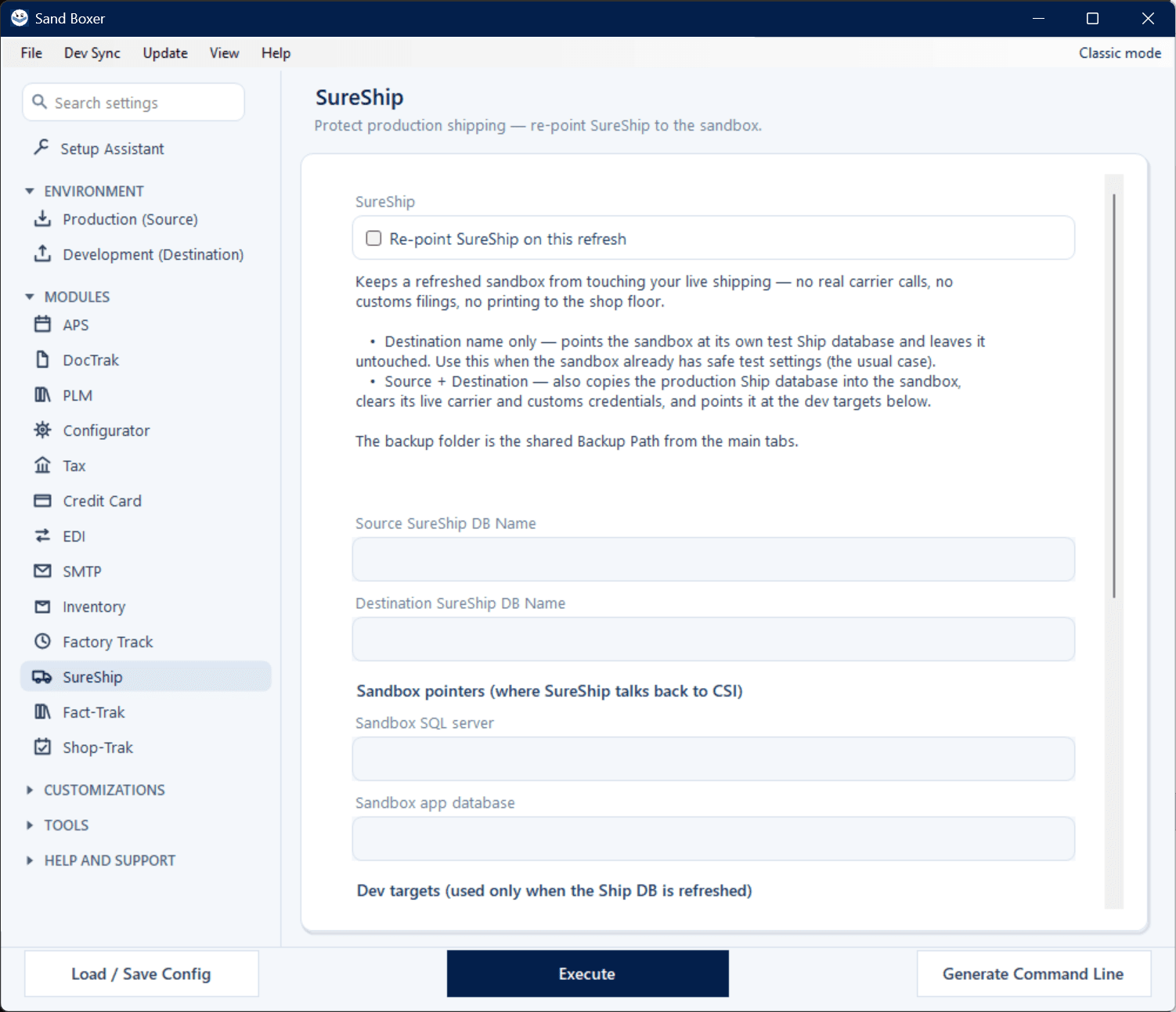
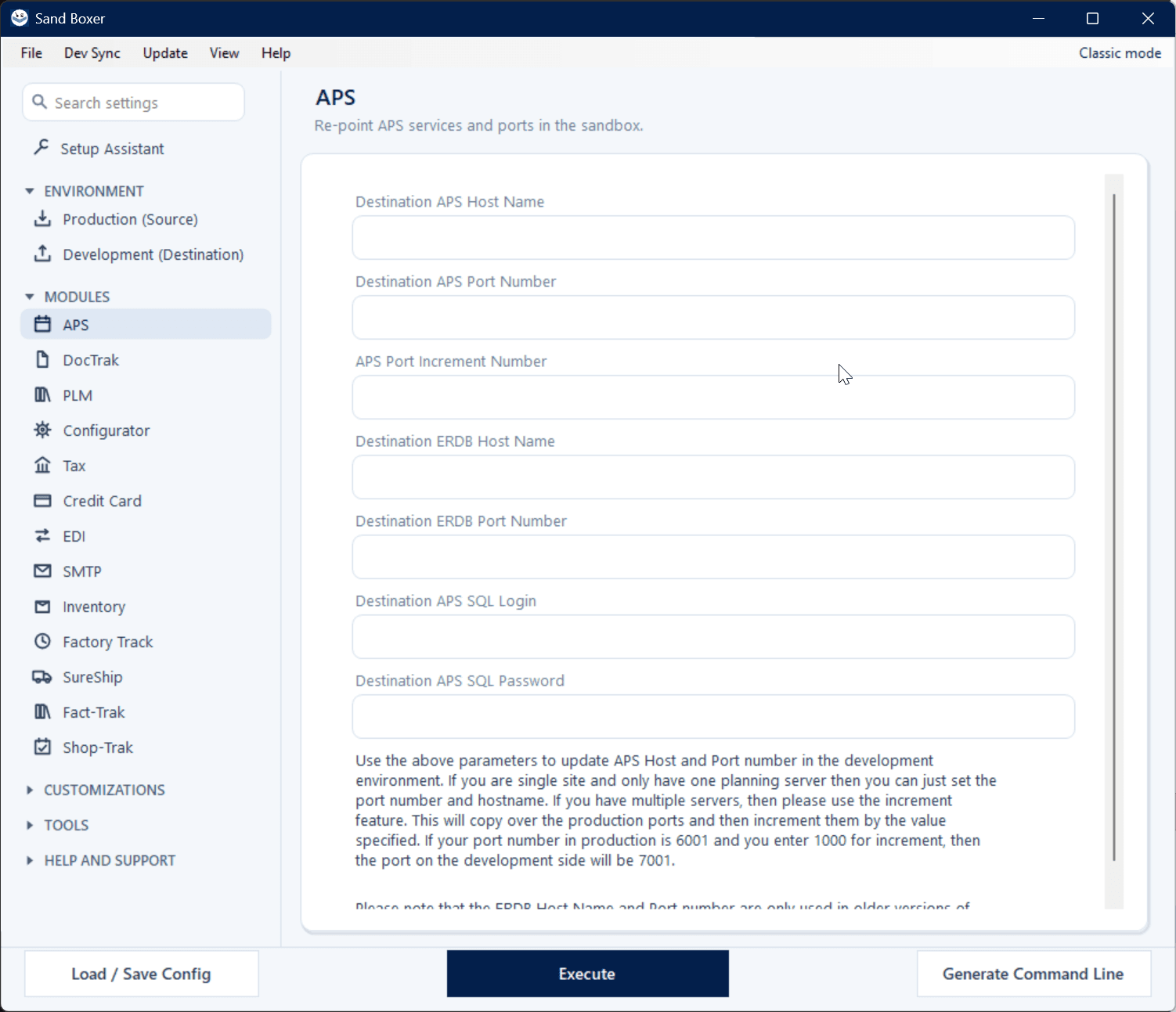
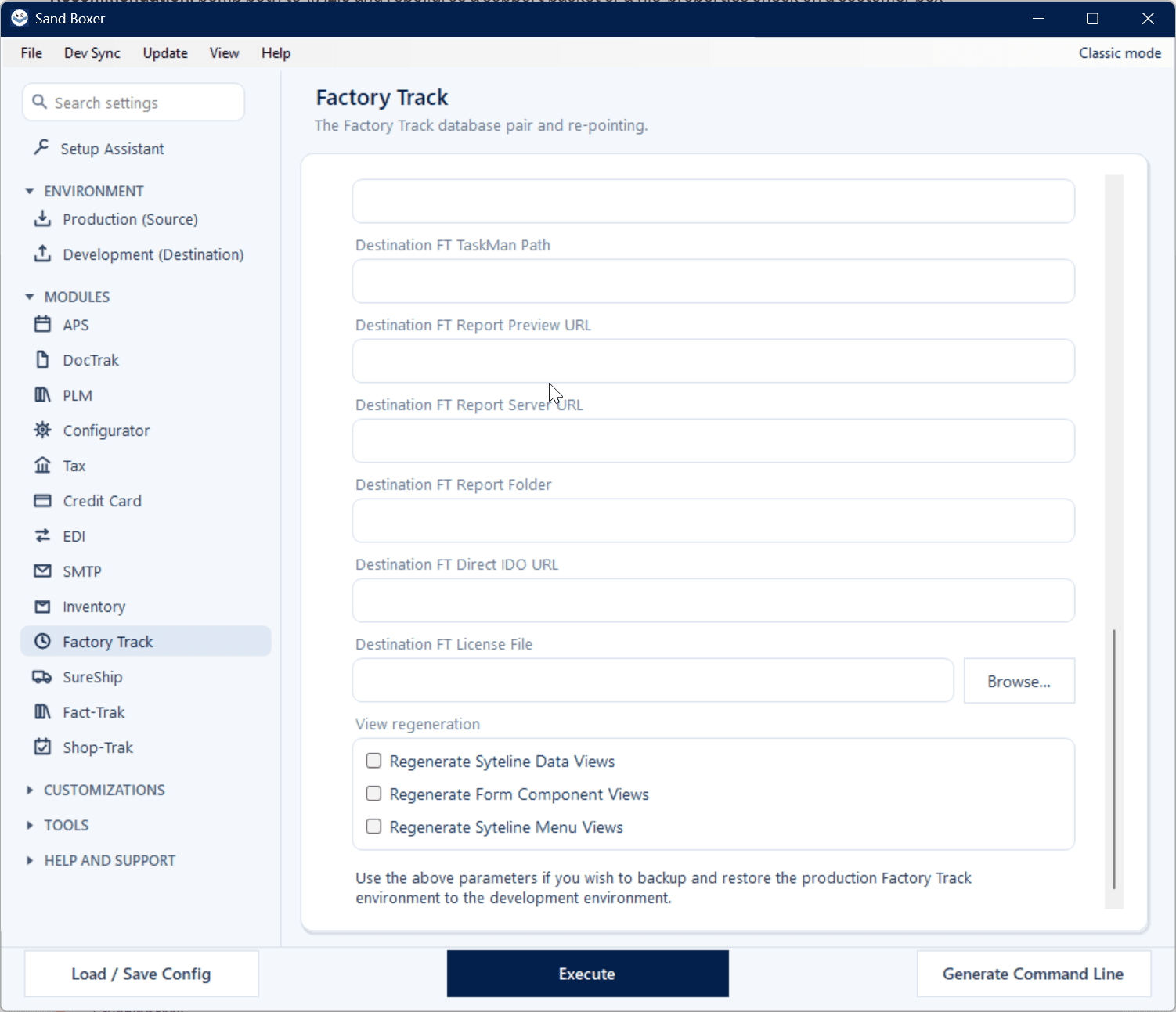
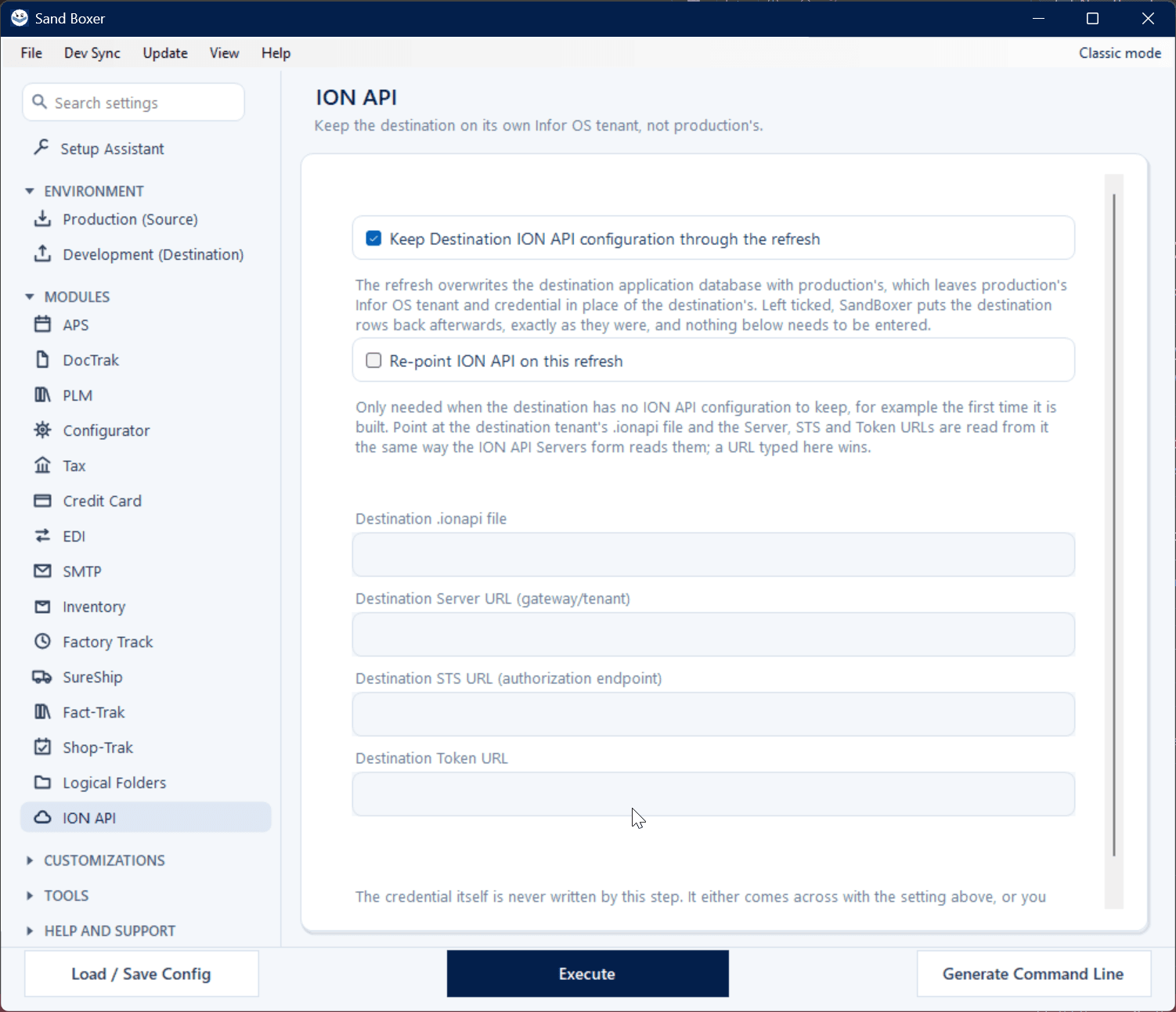
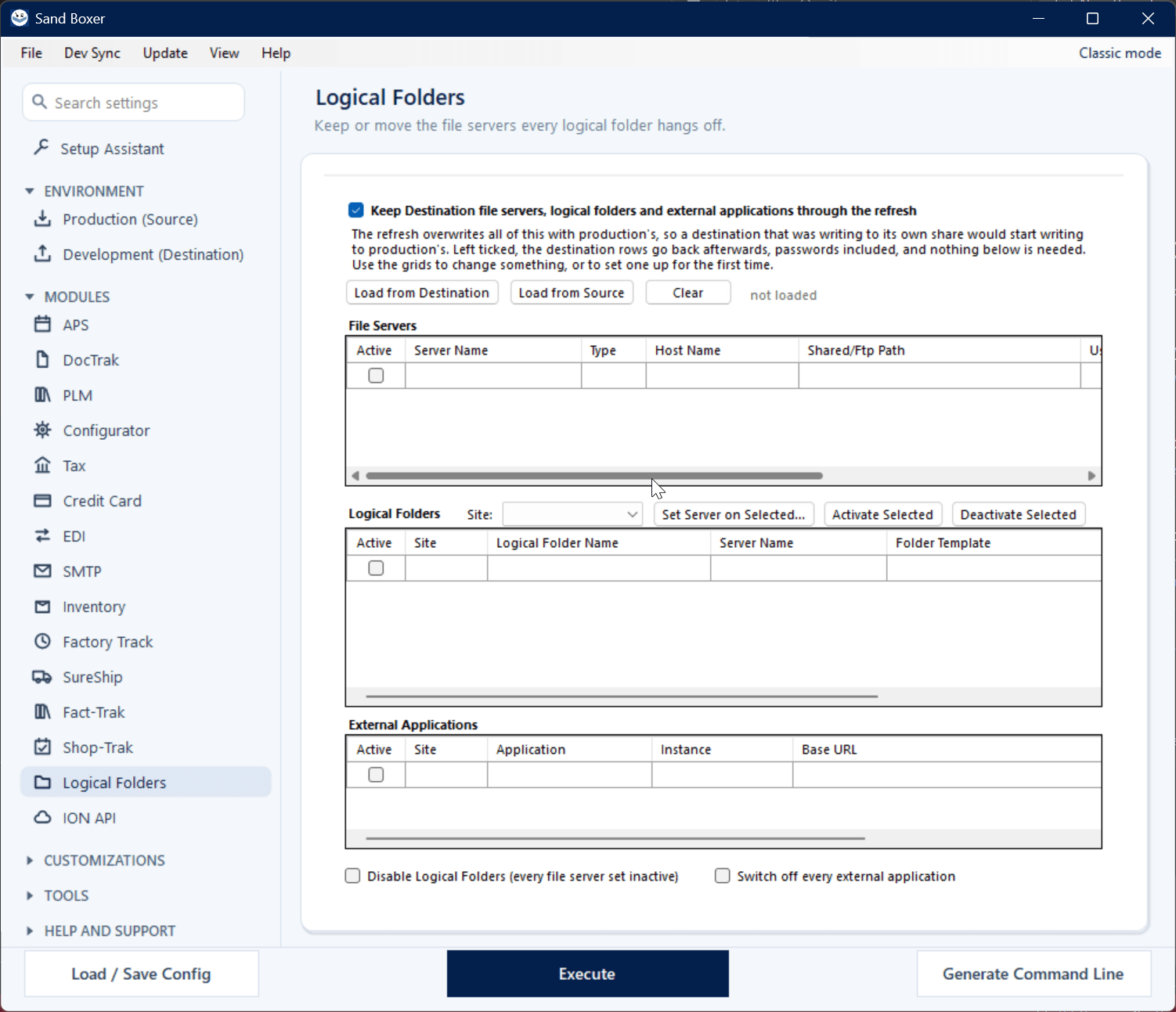
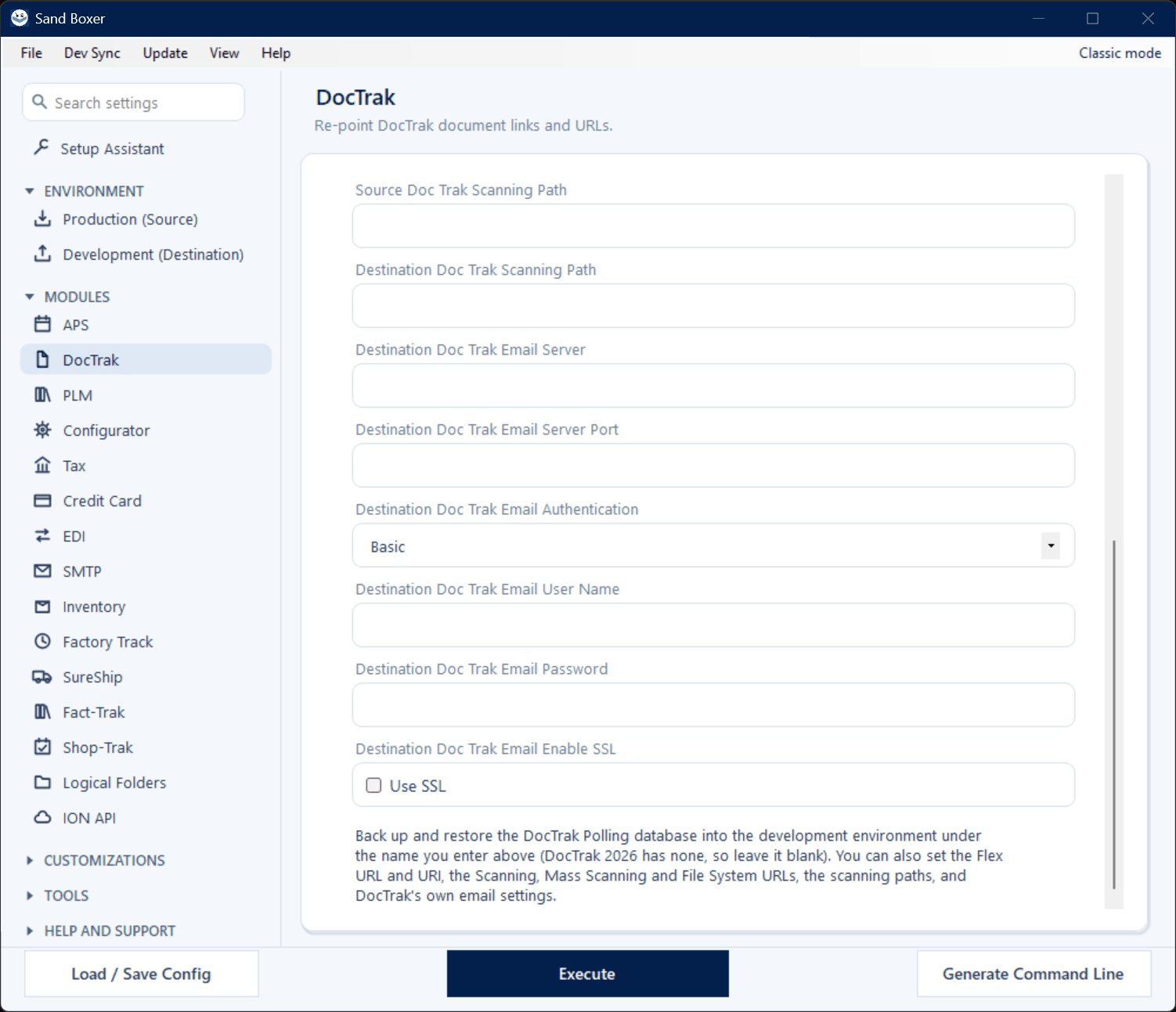
Explore the Modern interface

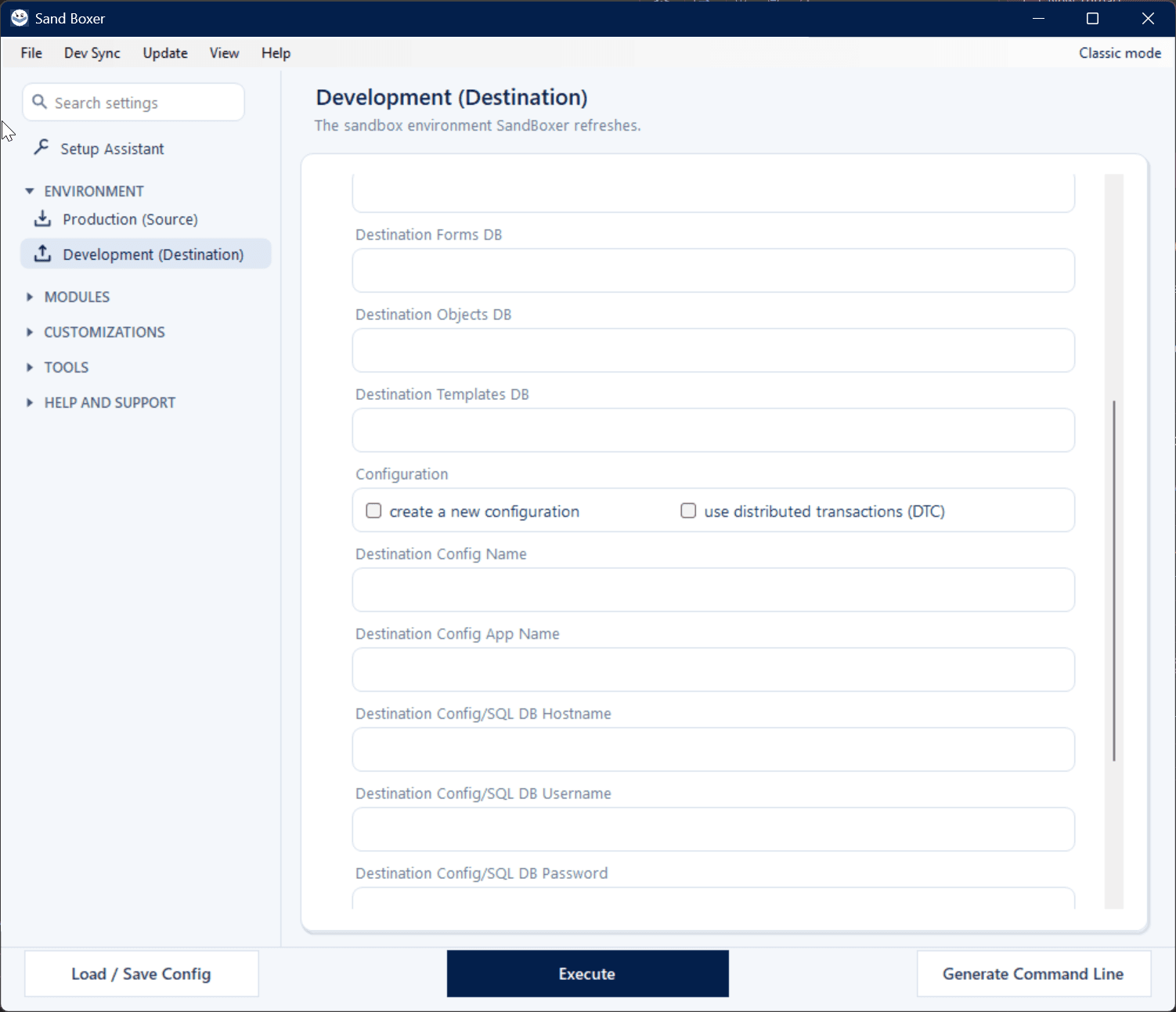
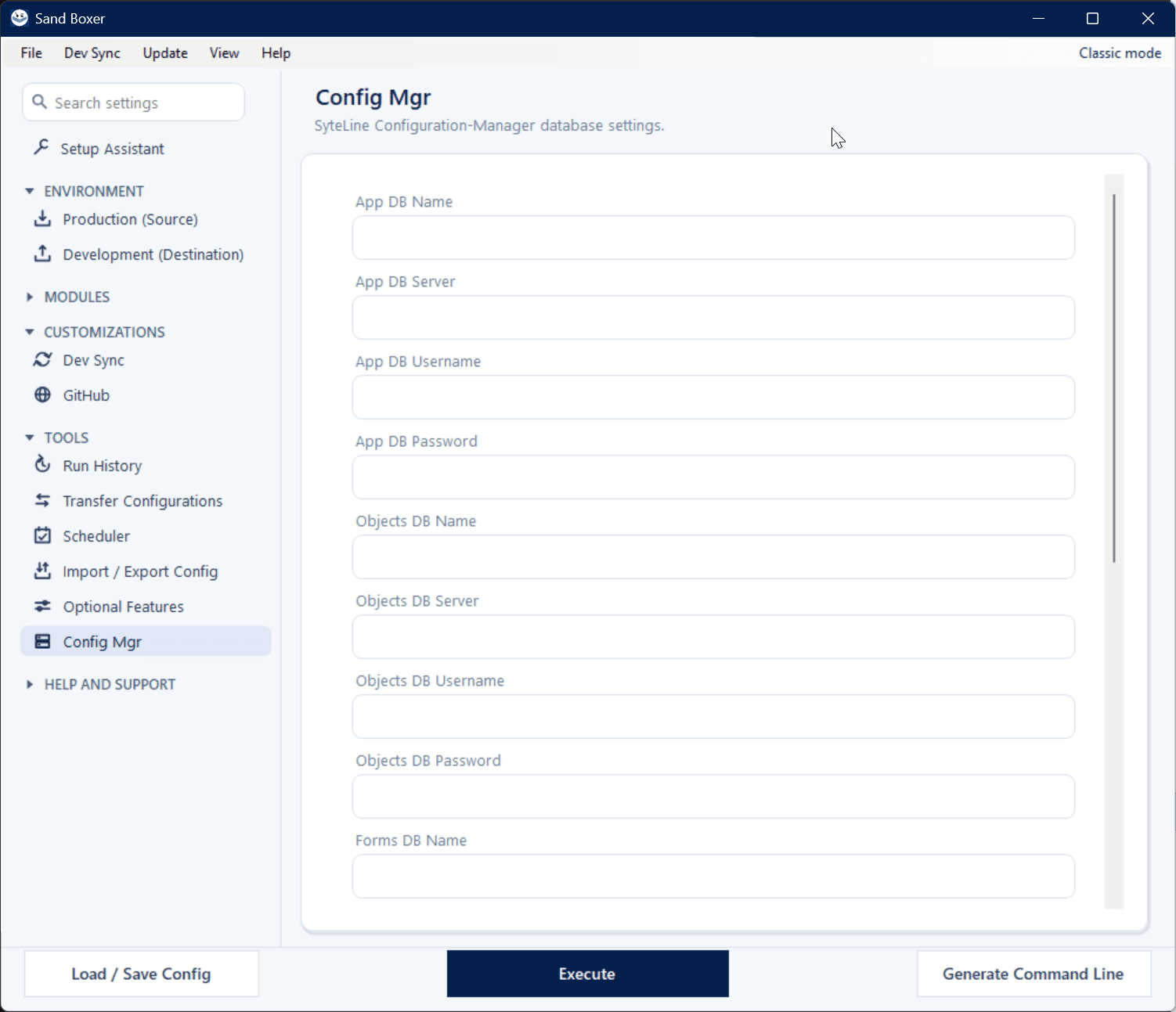
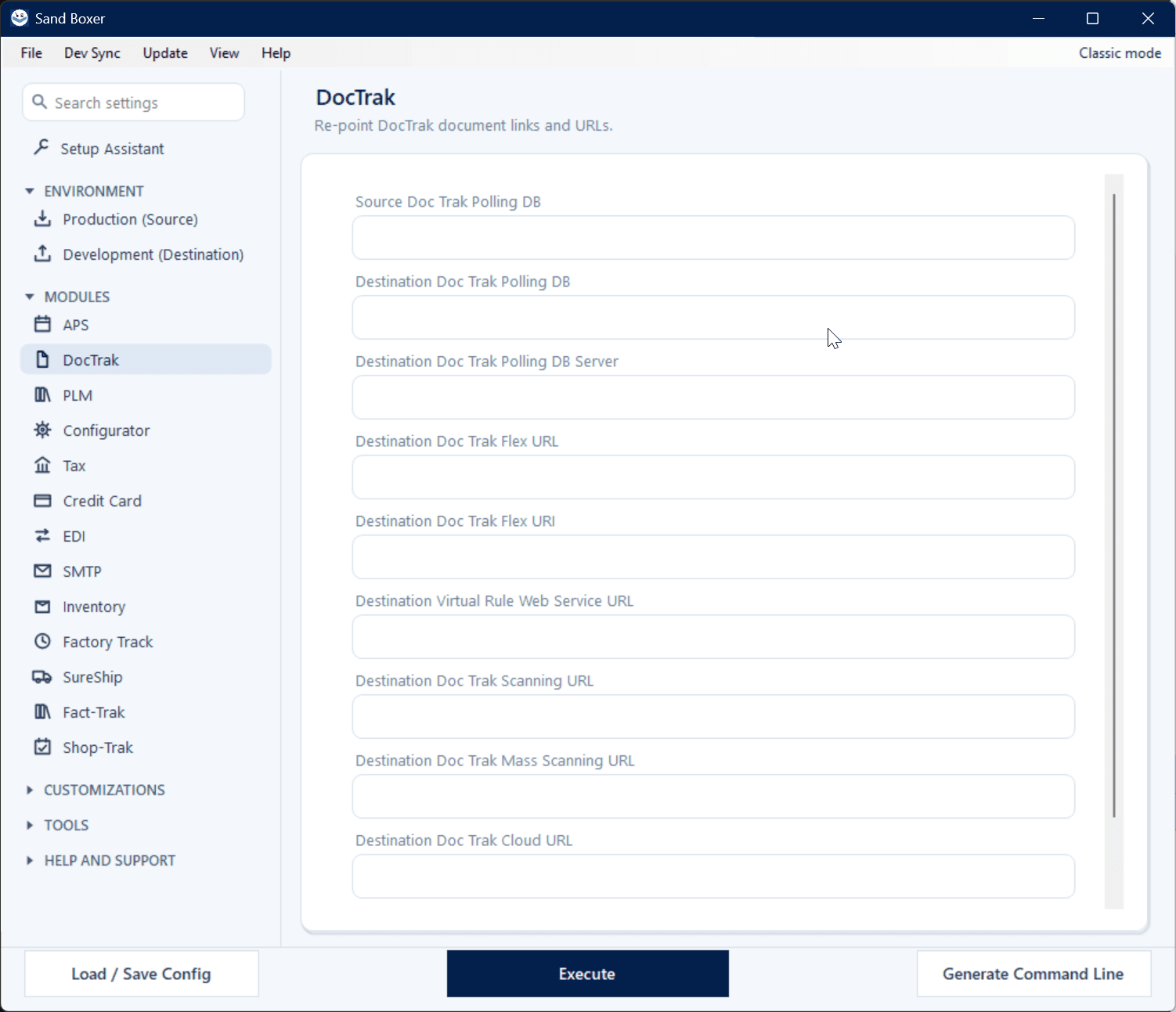
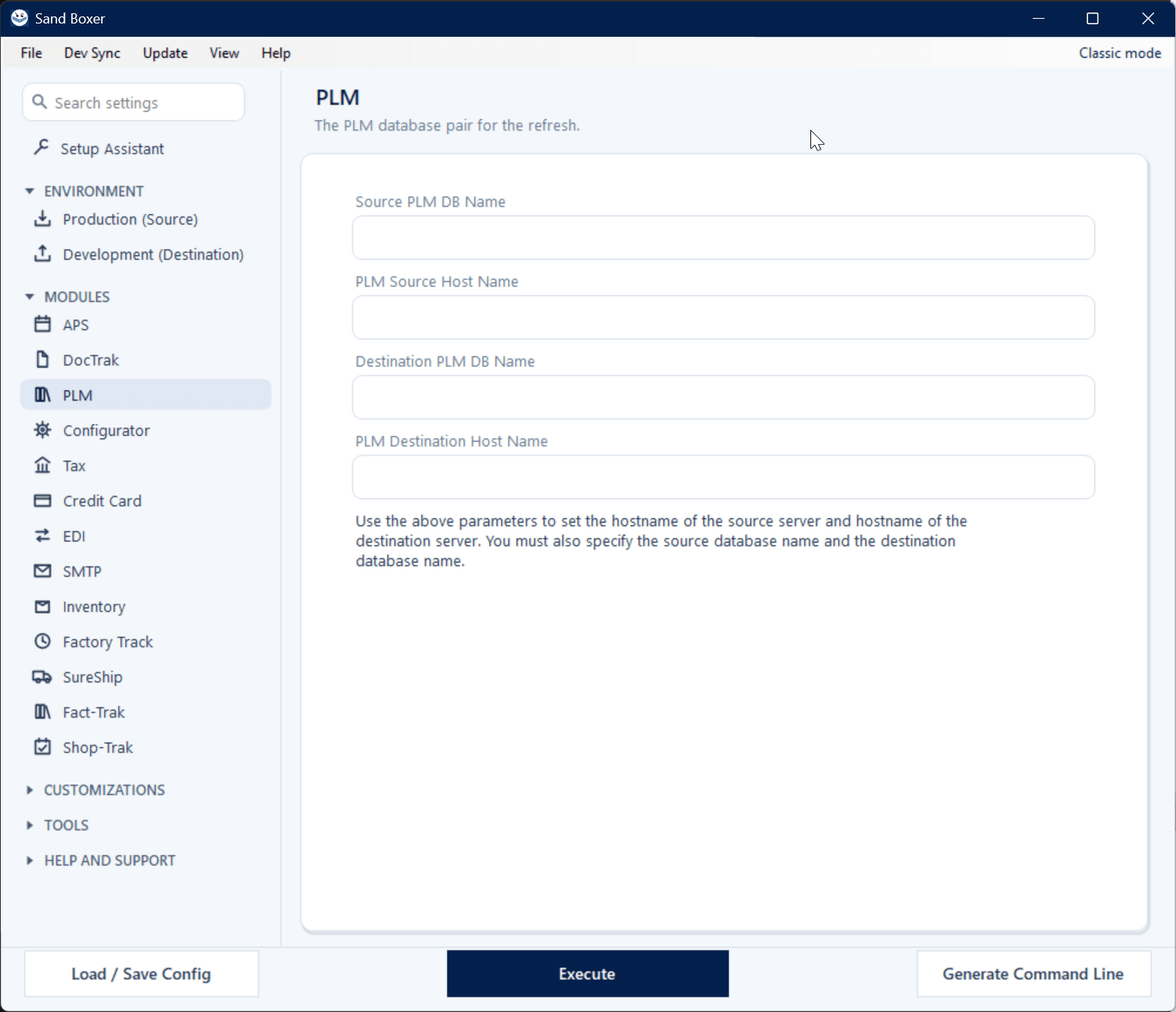
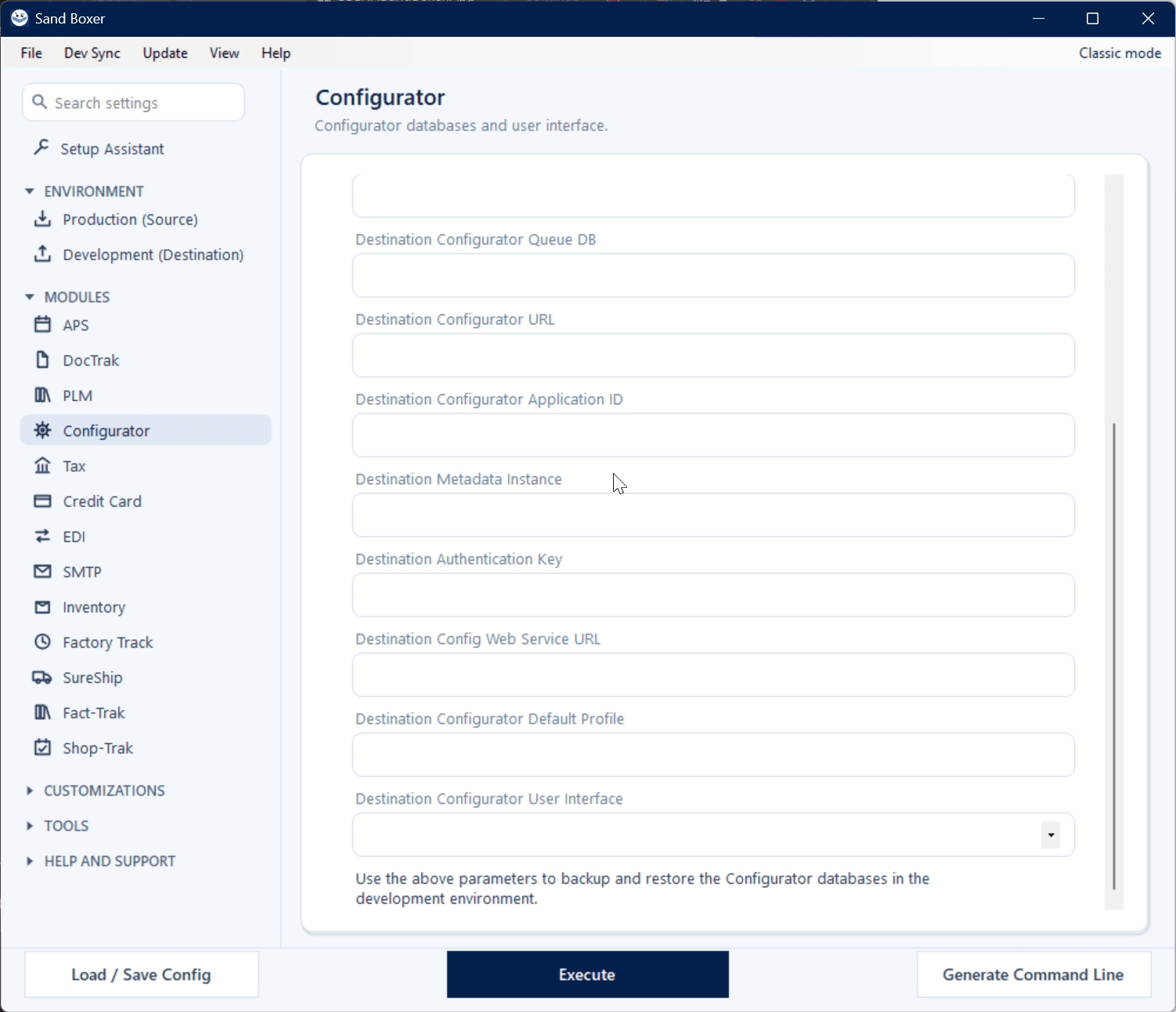
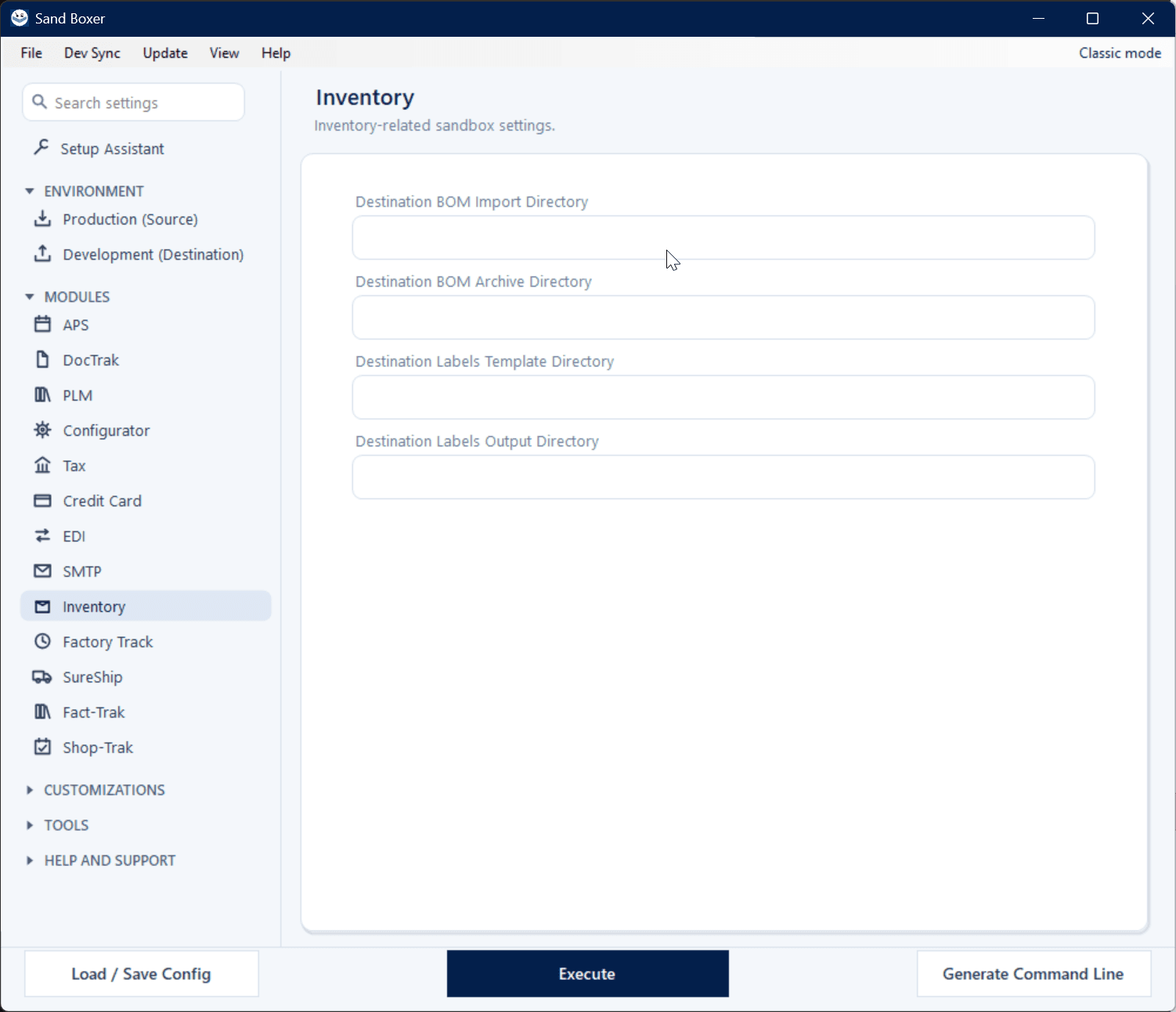
A single refresh re-points every part of your SyteLine landscape — each area has its own screen in the new Modern interface, including the built-in Scheduler and SSE Assistant. Production, Development, Setup Assistant, Dev Sync, GitHub, SureShip, APS, Factory Track, DocTrak, PLM, Configurator, Tax, Credit Card, EDI, SMTP, Inventory, and Optional cleanup. Click any screen to enlarge.

Pricing

Install free. License what you need.

Sand Boxer installs unlicensed on every server. License just the refresh engine with Stand Alone, license Dev Sync on its own, or get the complete Suite — a one-time license, per server, with free updates for the life of the product.

★ The Dev Sync add-on now includes Mod Report at no extra cost.

Refresh engine

Sand Boxer Stand Alone

$1,500

One-time · per server

Clone production into a working sandbox and retarget the copy — configuration, URLs, mail, interfaces, and licensing — version-aware across every release from 8.0 to 2026.
Dev preservation

Dev Sync Standalone

$1,500

One-time · per server

Preserve DEV customizations through a refresh, version-control them in your own GitHub, and inventory everything with the built-in Mod Report — all in one license.

Already own Sand Boxer Stand Alone?

Thank you for being with us. Complete the Suite by adding the full Dev Sync add-on — Dev Sync + GitHub + Mod Report — at loyalty pricing, so there's no penalty for having started with Stand Alone.

  • Dev Sync Add-on — $1,000 (reg. $1,500)
  • Your total — $2,500 — $1,500 Stand Alone + $1,000 add-on, same as the Suite

Ready to run on 1.6?

Licensed per server, activated in-app, supported by the team that builds it.